TodayAttention
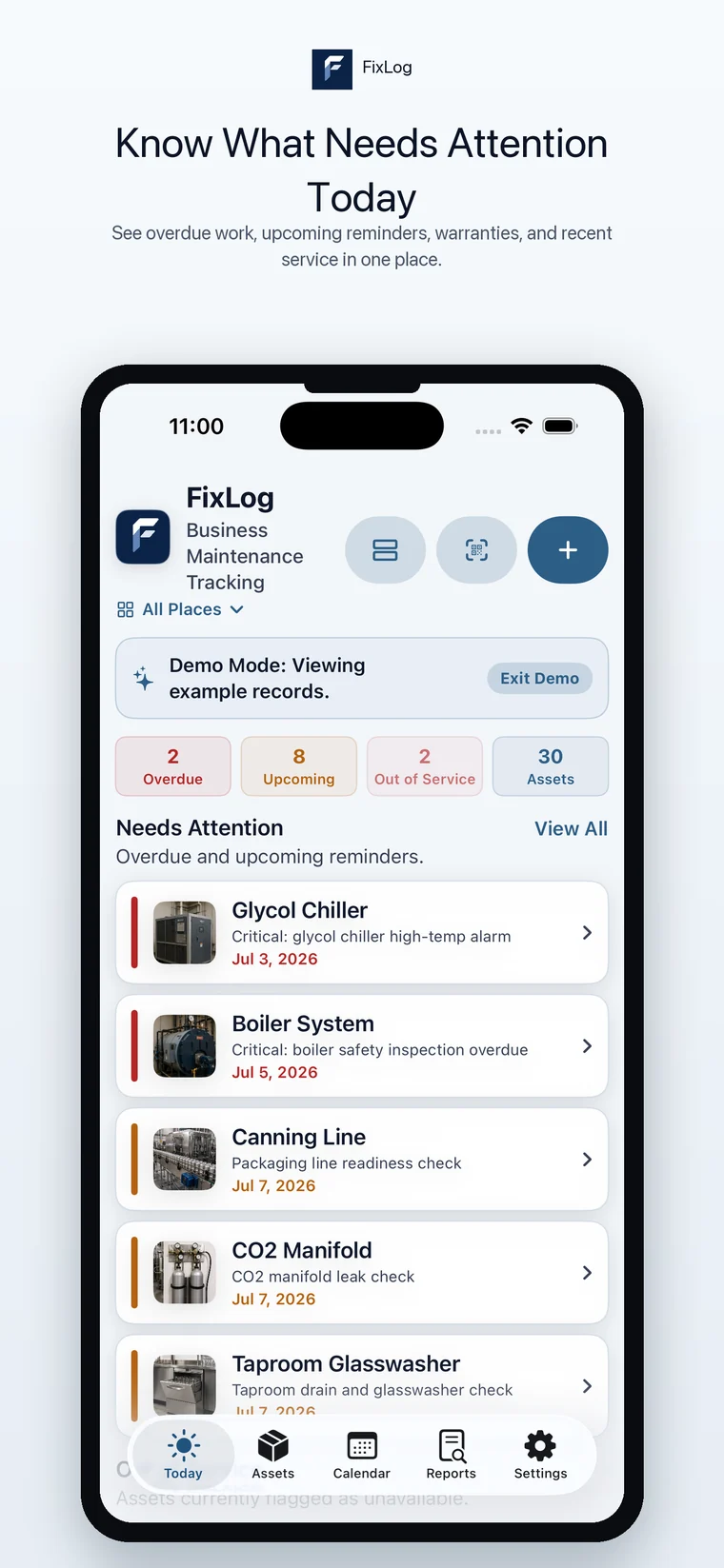
Know what needs attention today.
iPhone
Check what needs attention, scan or open assets, log completed work, review reports, and keep warranty details handy from the floor, shop, office, or field.
Know what needs attention today.
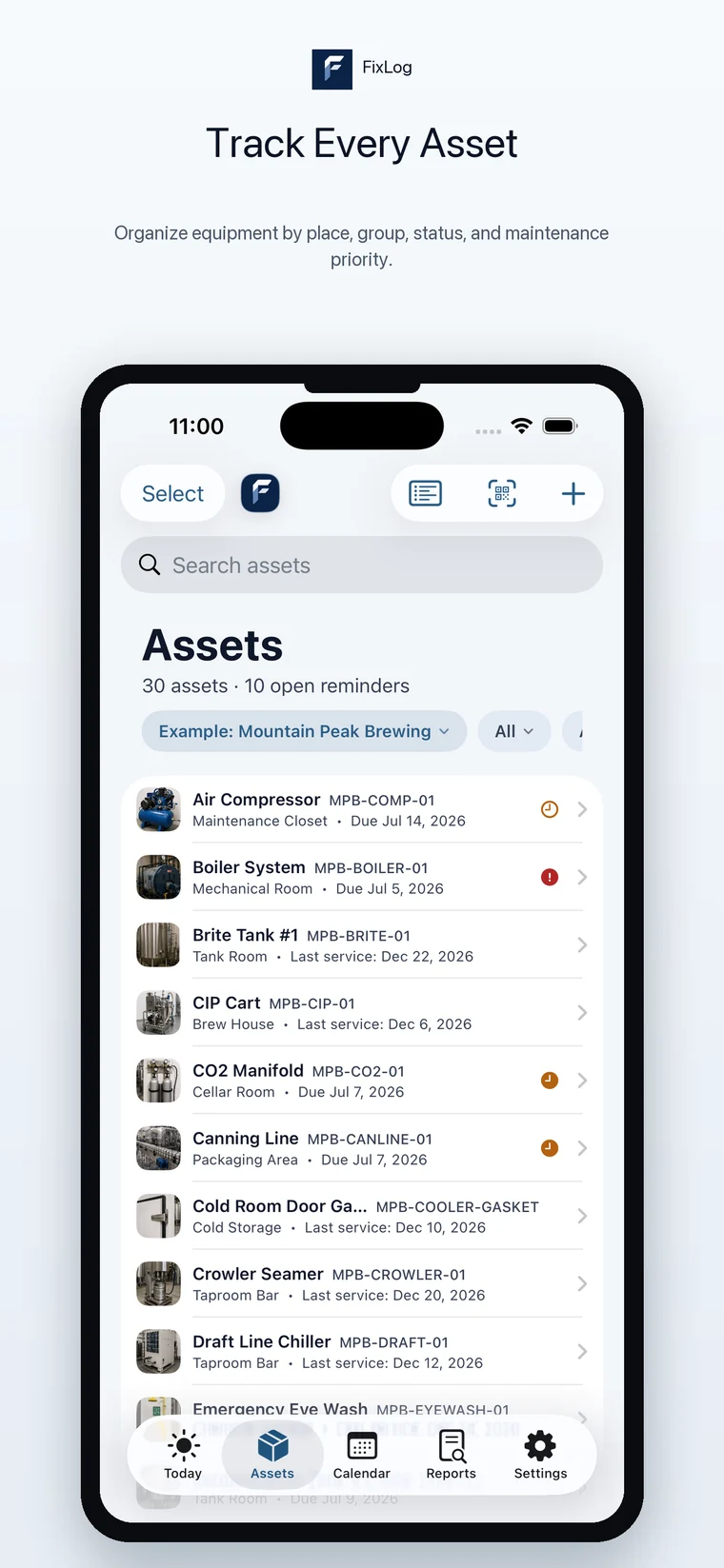
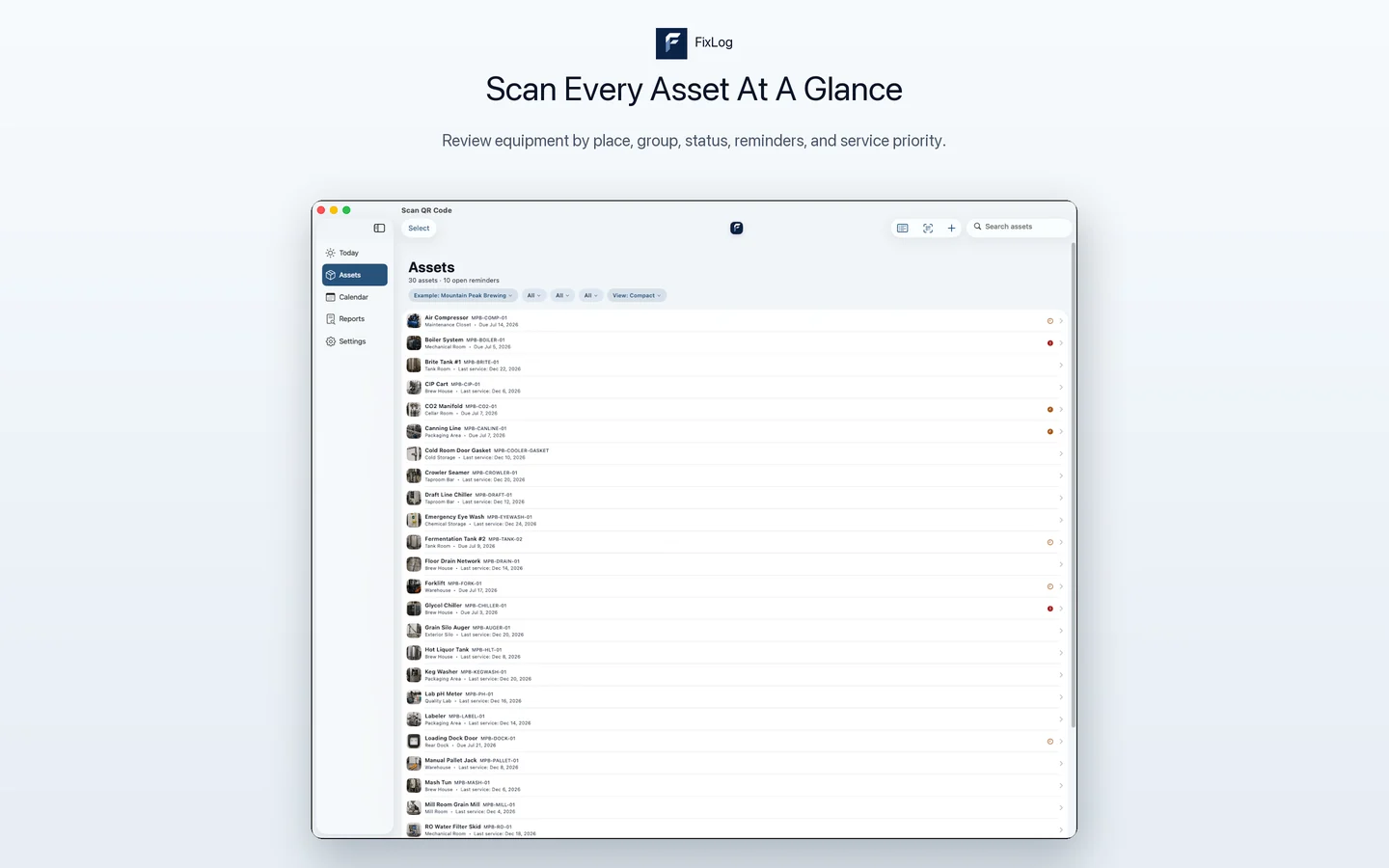
Track every asset in one organized list.
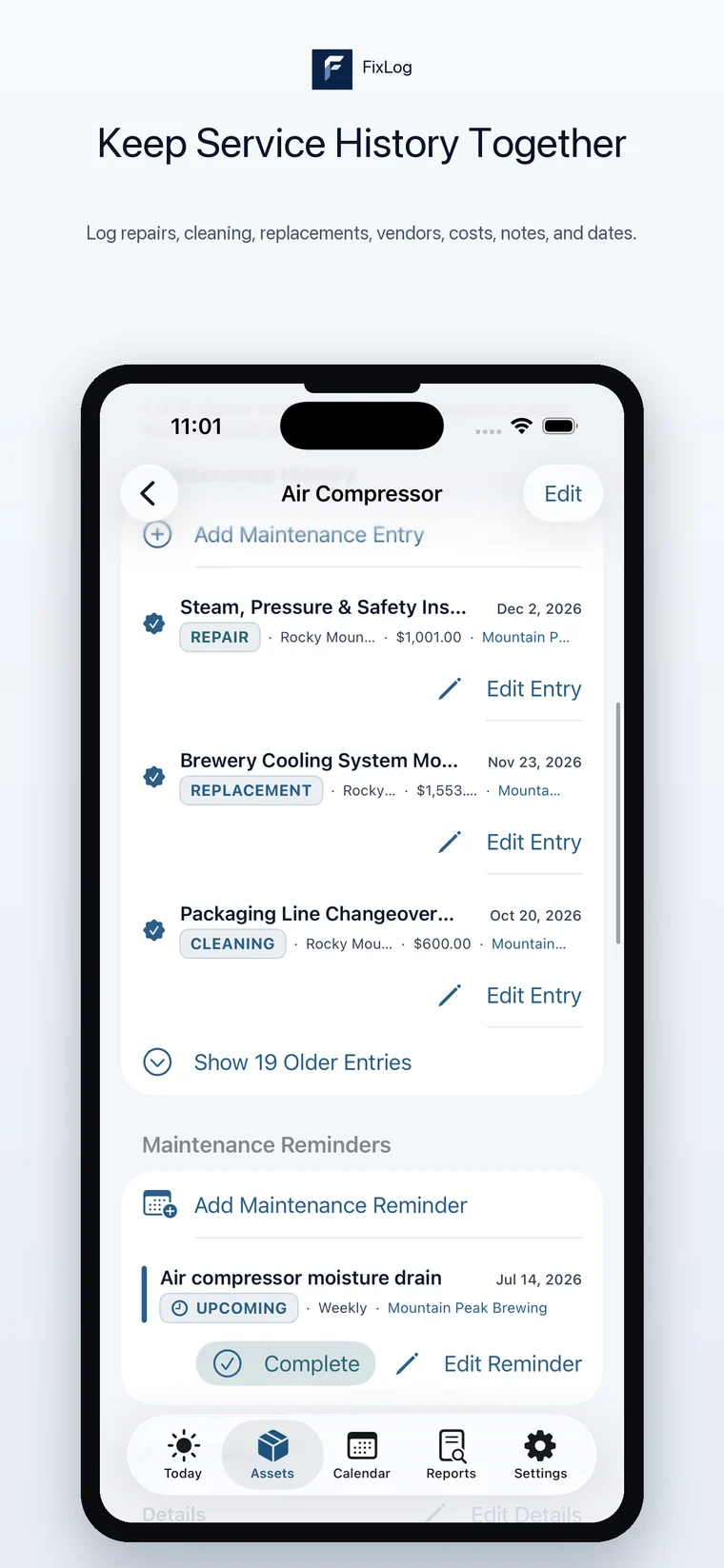
Keep service history tied to the asset.
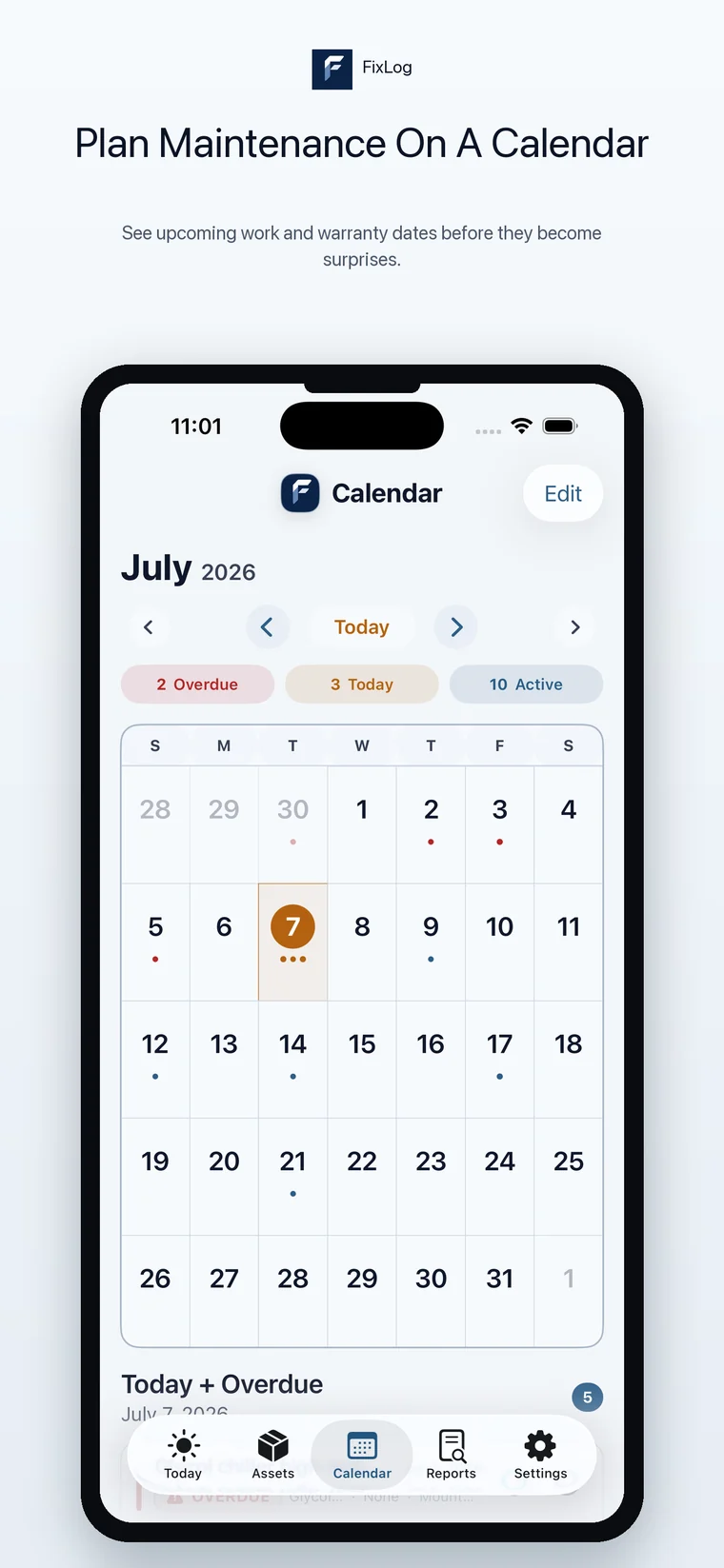
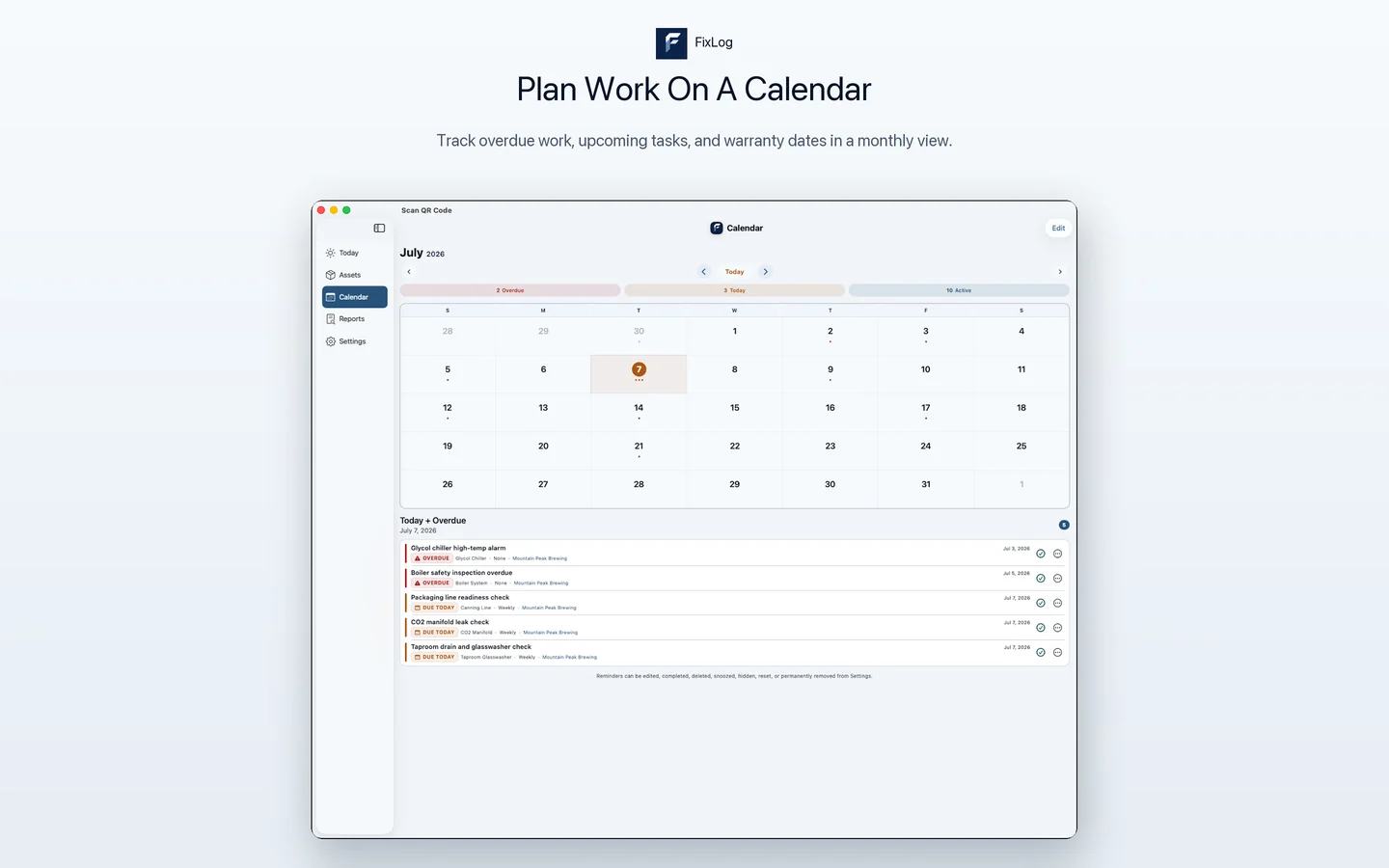
Plan maintenance on a real calendar.
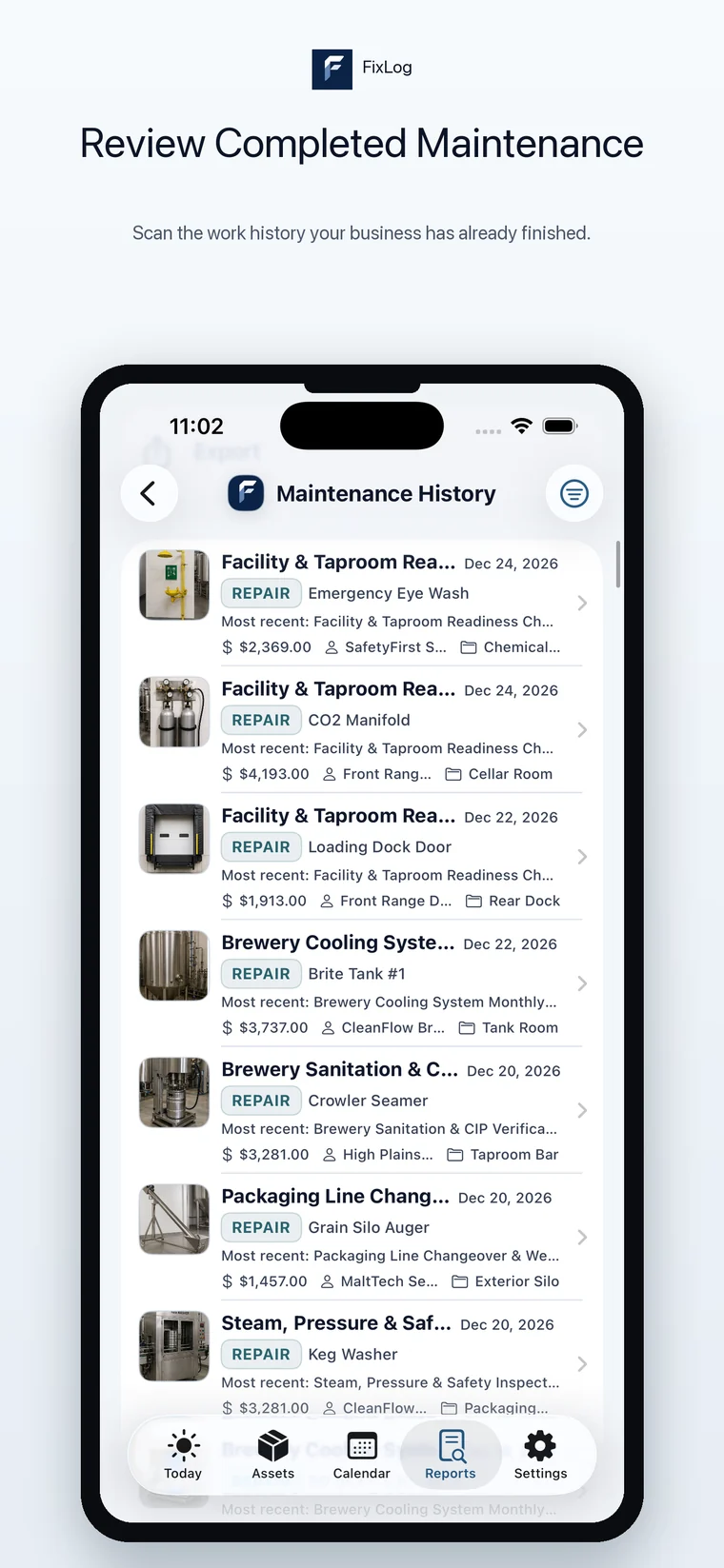
Review completed maintenance work.
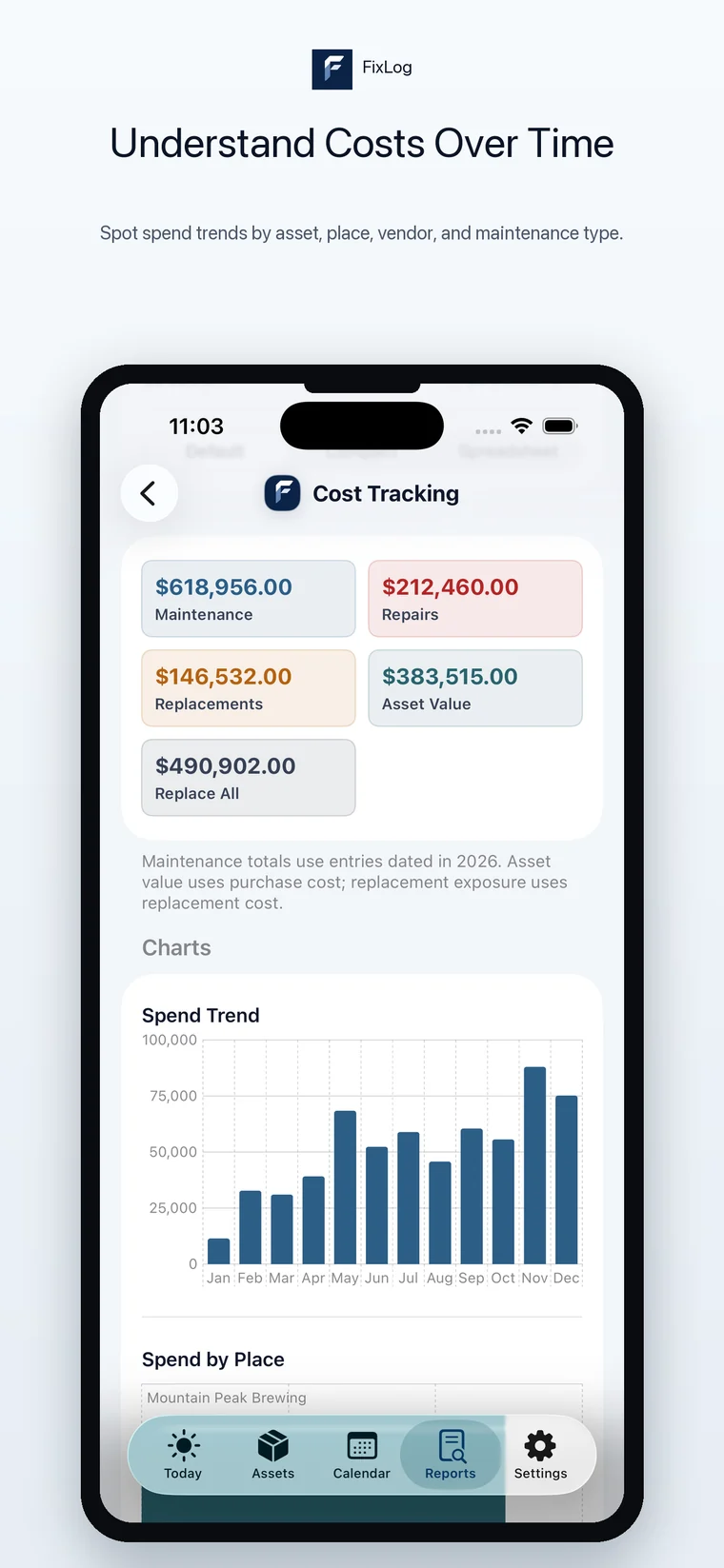
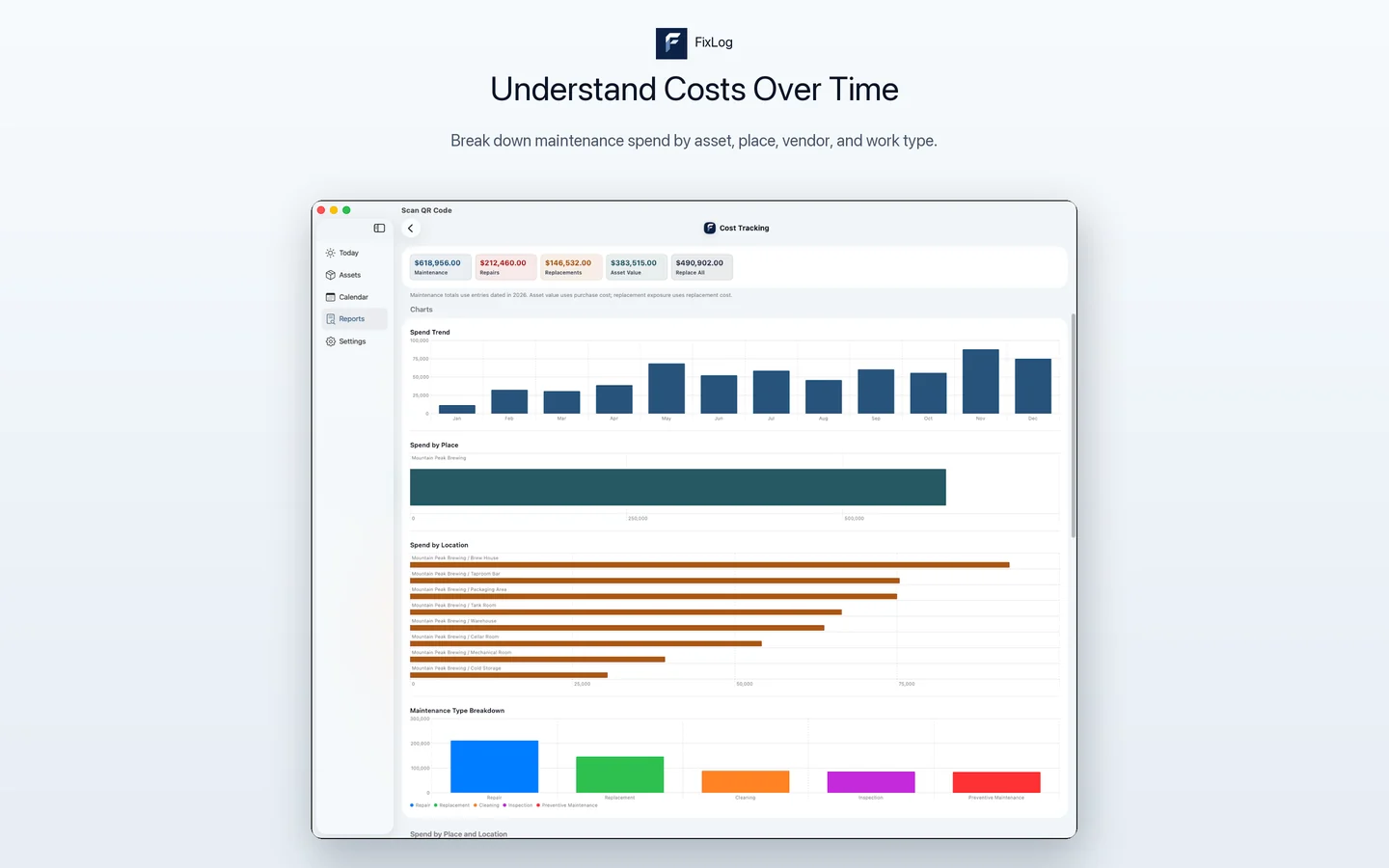
Understand costs over time.
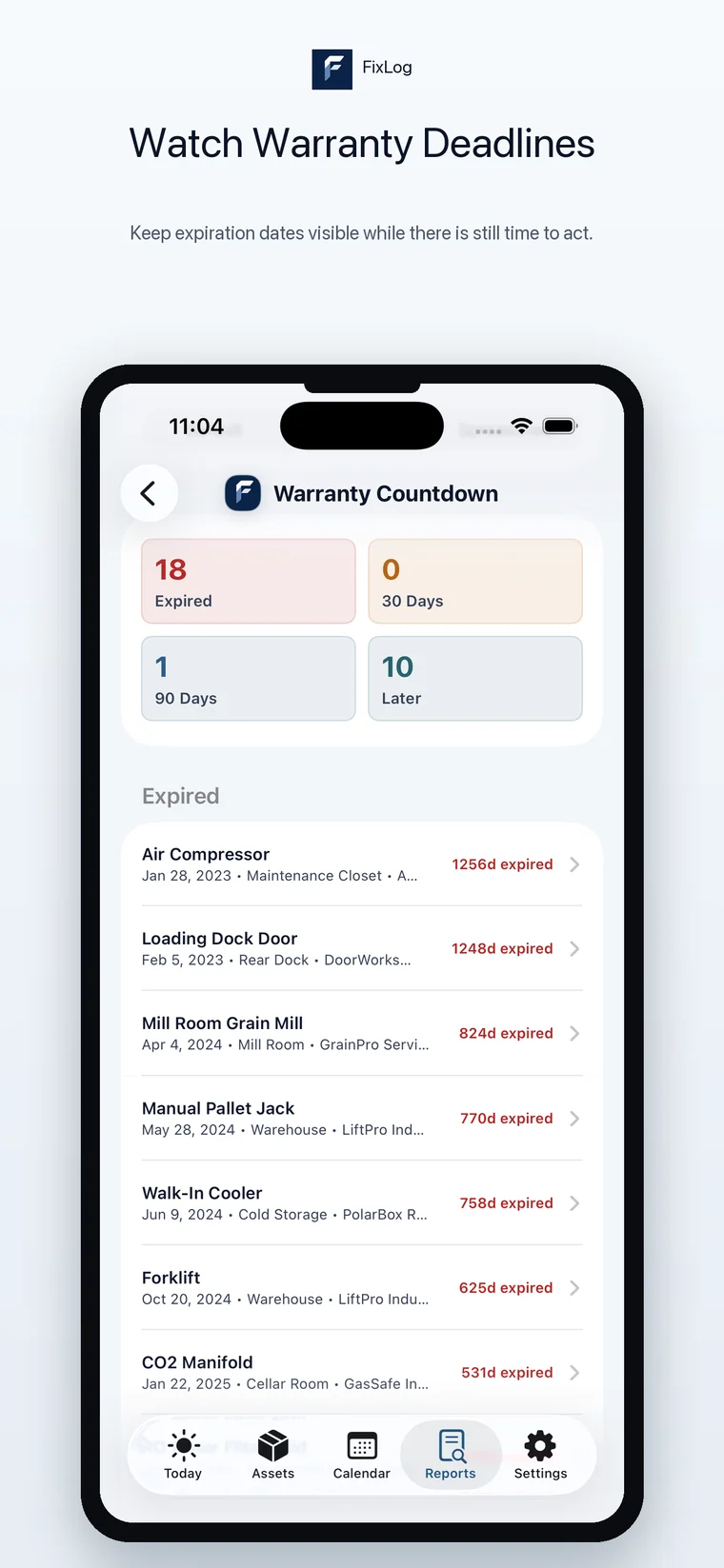
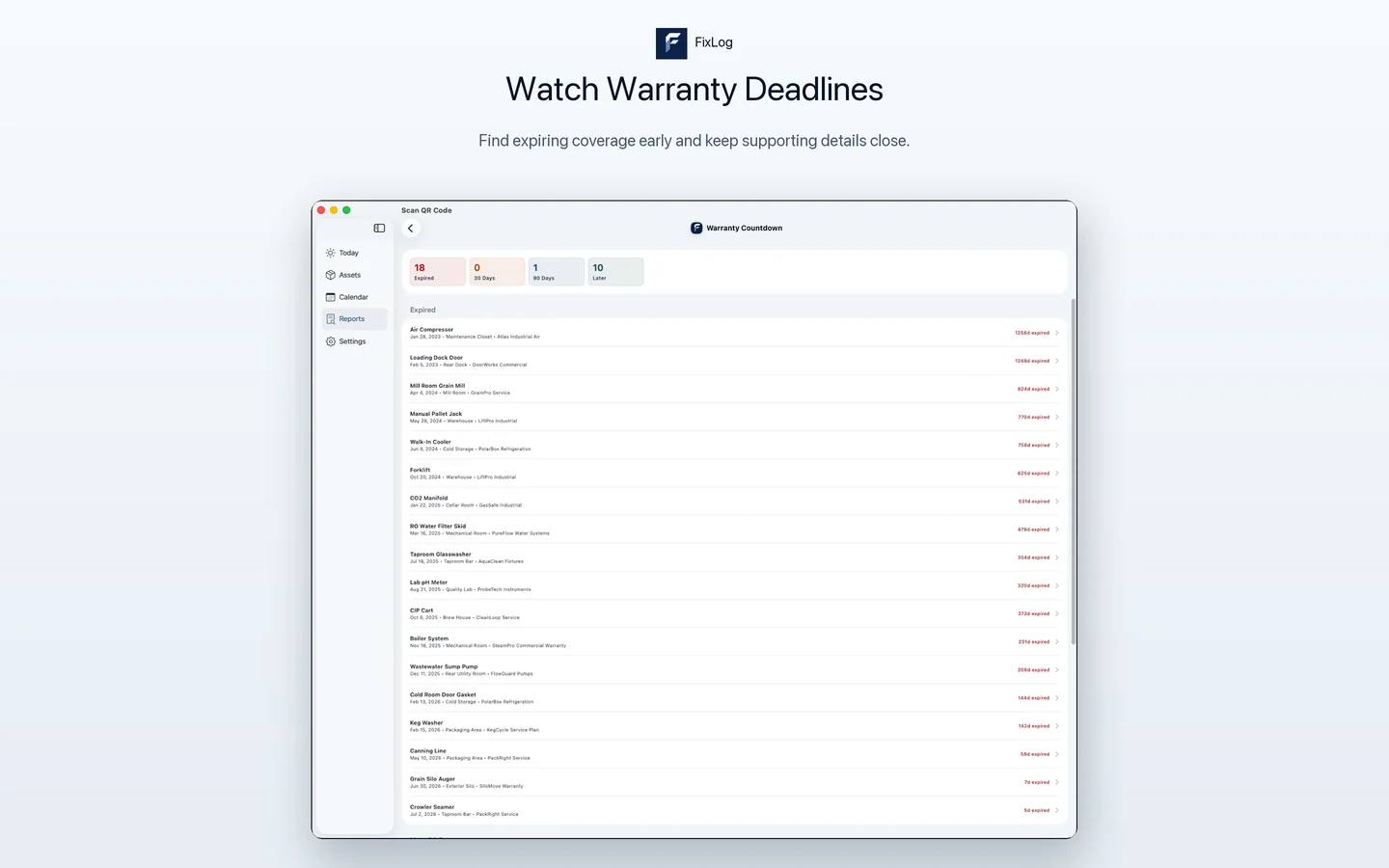
Watch warranty deadlines before they pass.
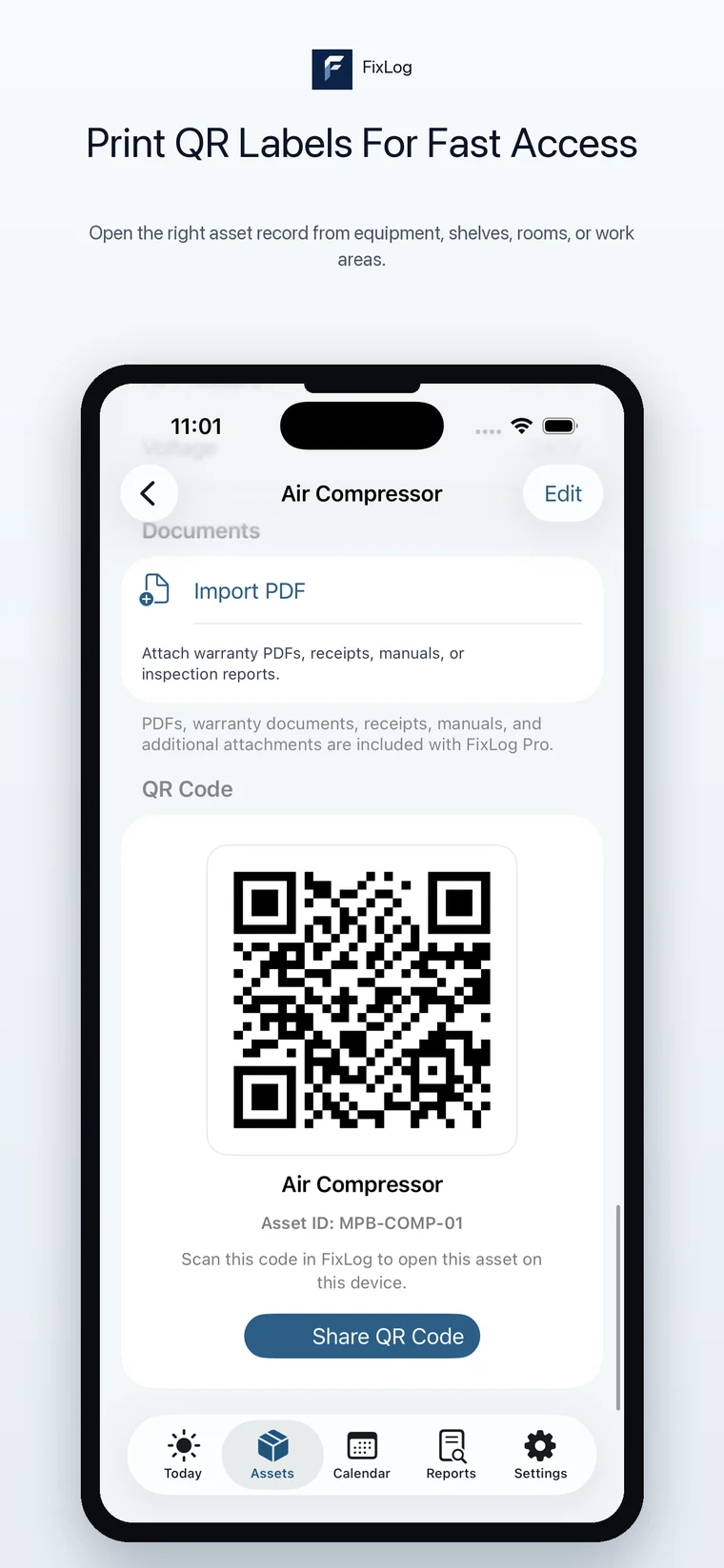
Print QR labels for fast asset access.
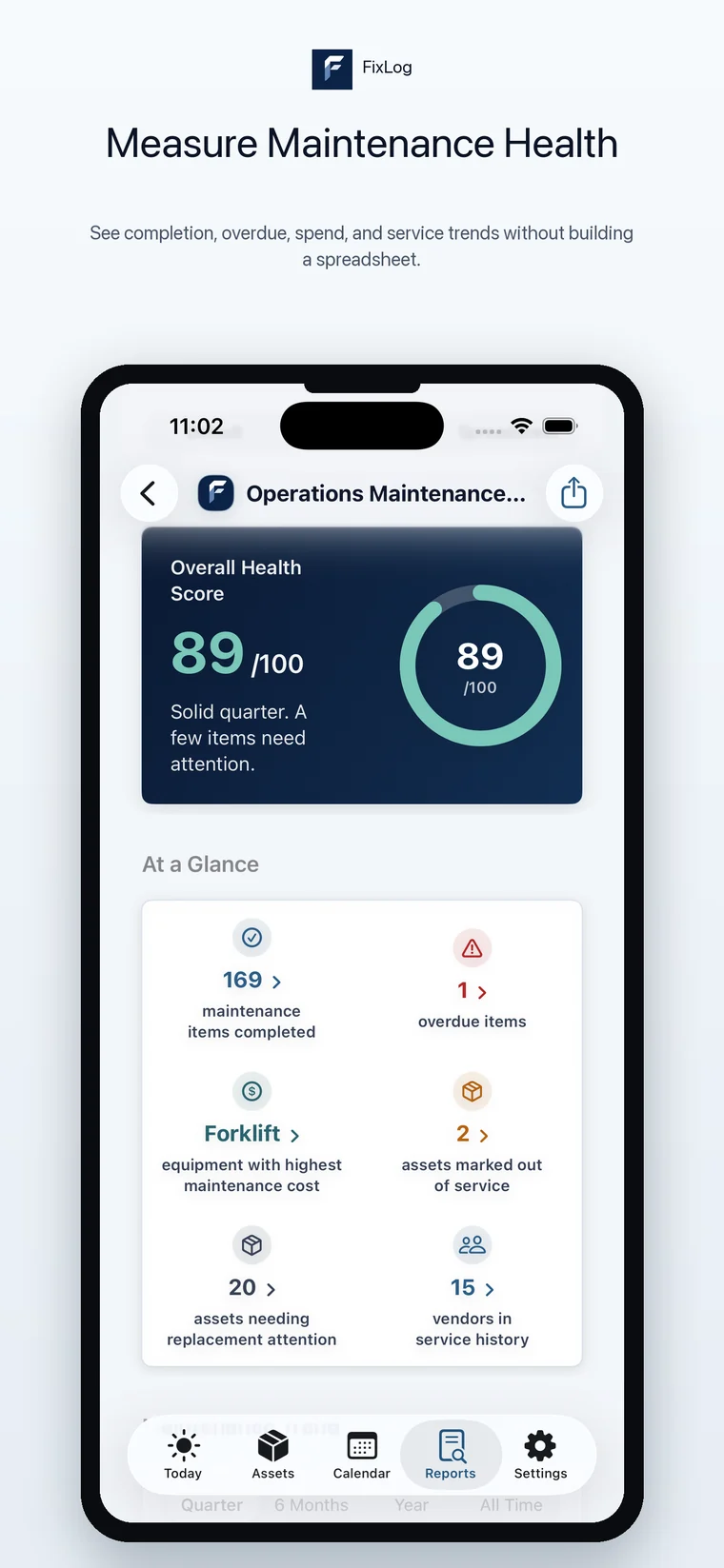
Measure maintenance health at a glance.
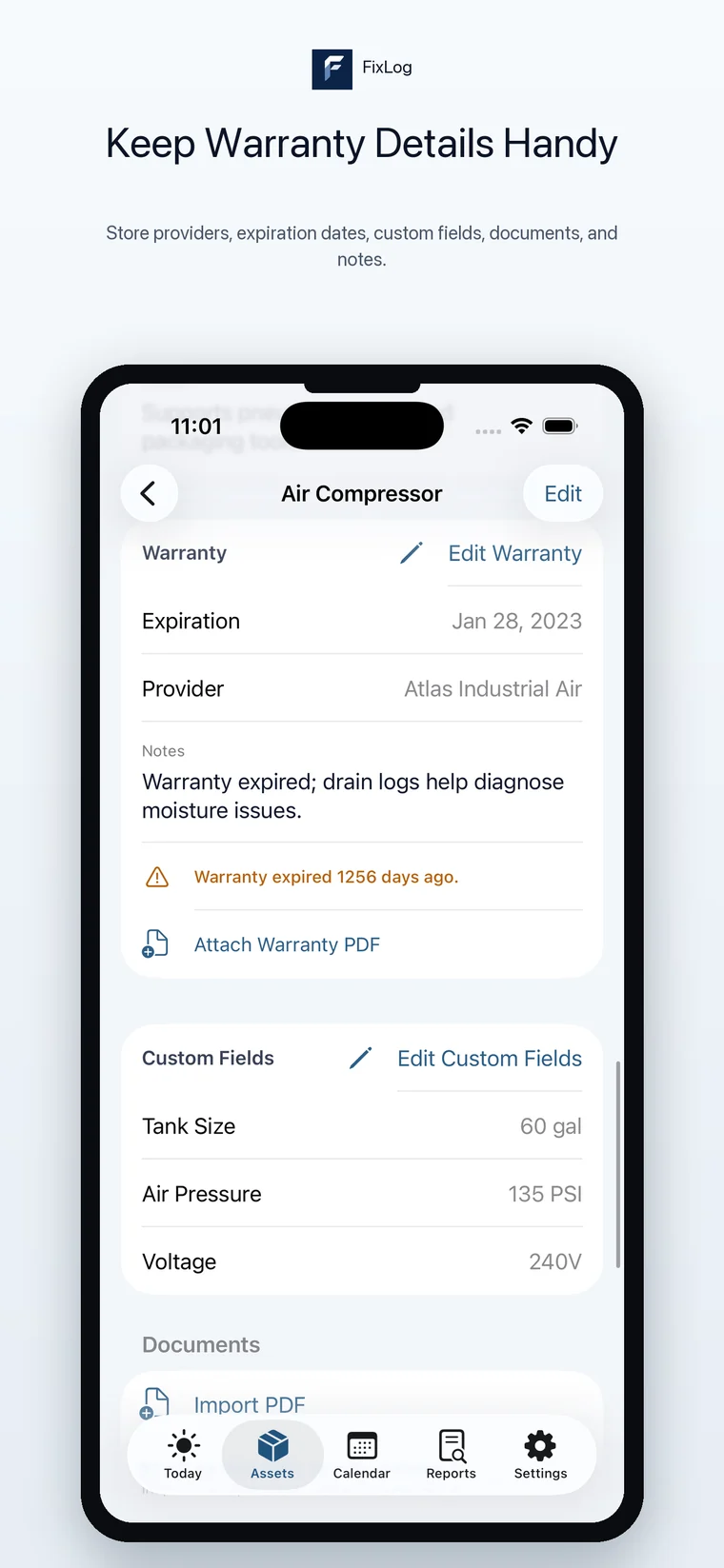
Keep warranty provider and expiration details handy.
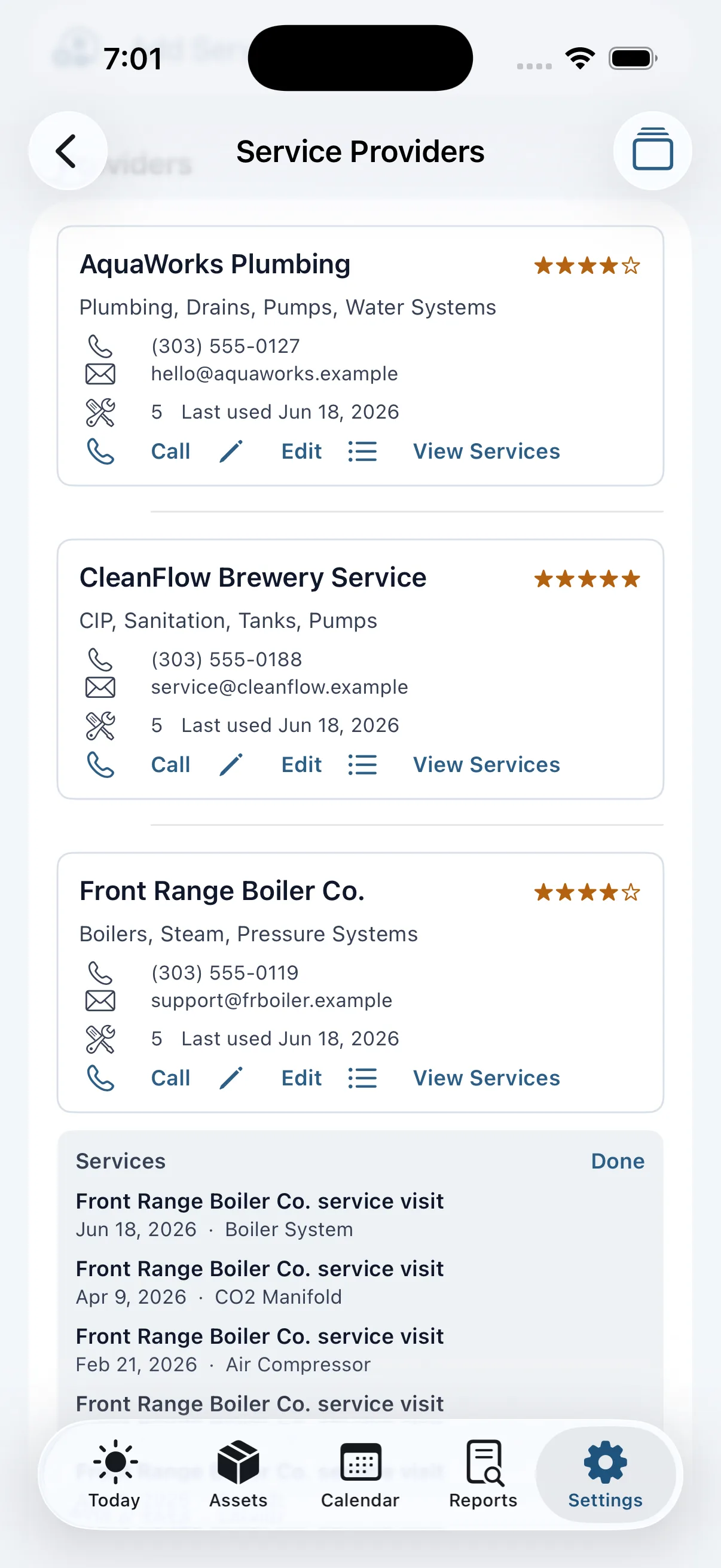
Save providers you rely on for repeat service work.
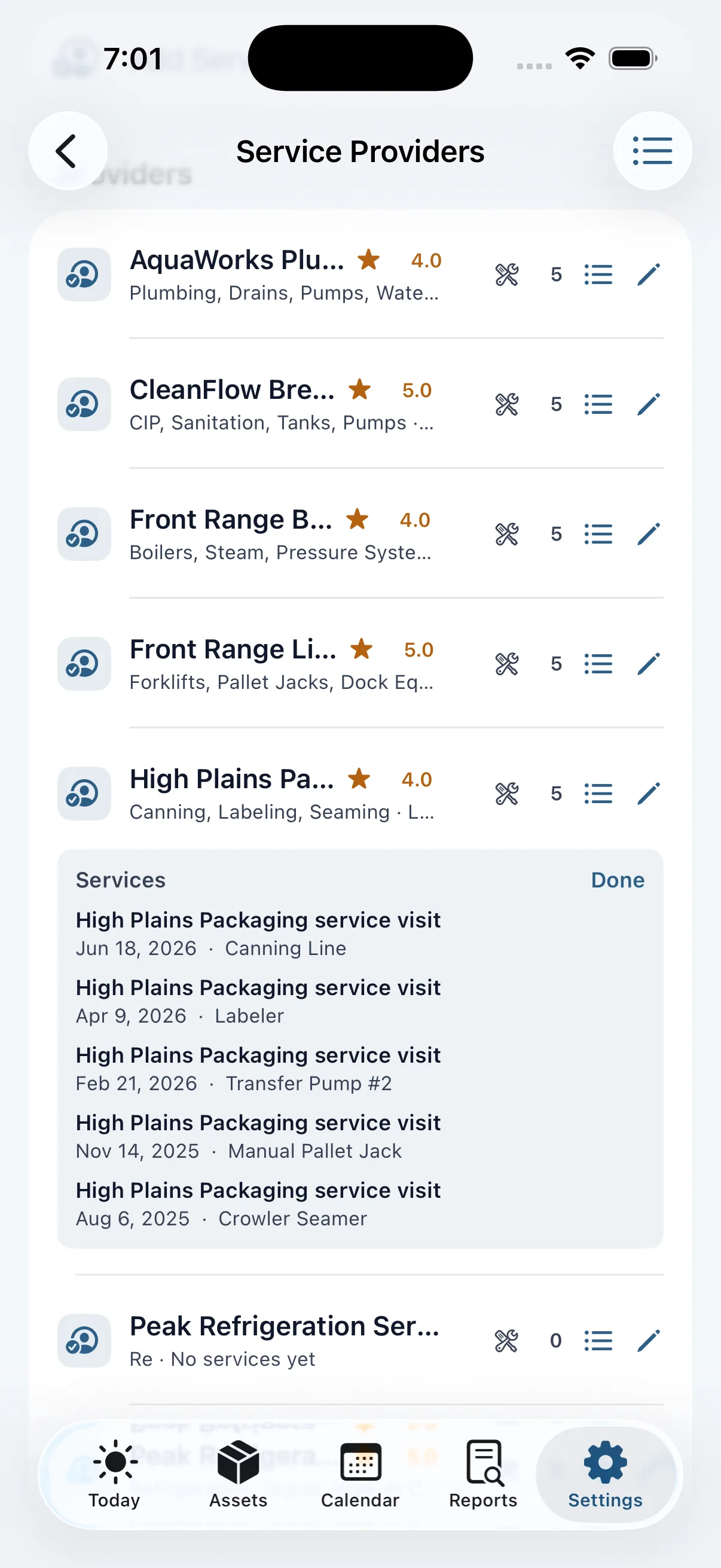
Keep contact details, notes, ratings, and linked service history together.
iPad
The iPad layout is useful for checking a larger asset list, reviewing maintenance status, printing labels, and looking through history or cost reports.
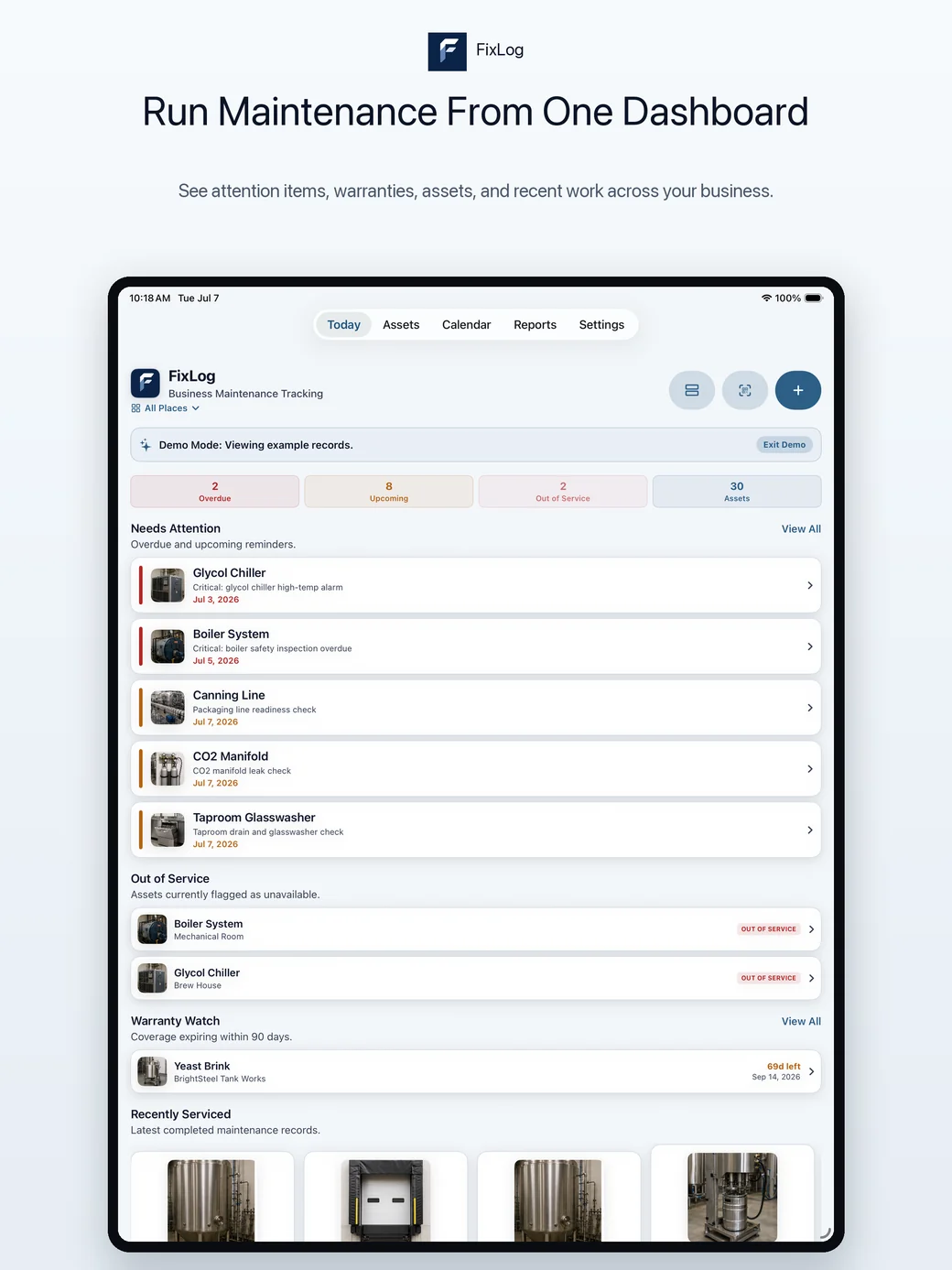
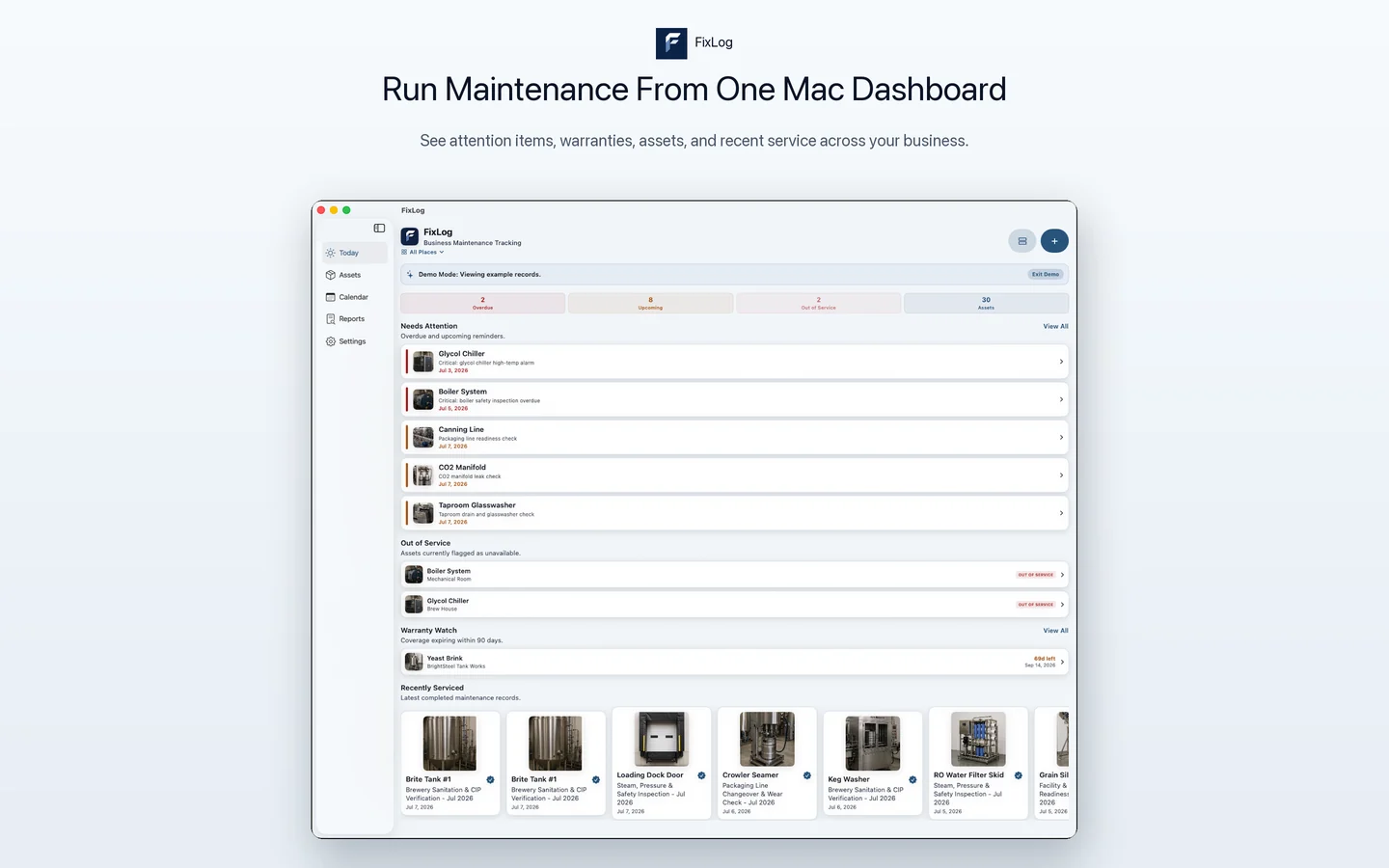
Run maintenance from one dashboard.
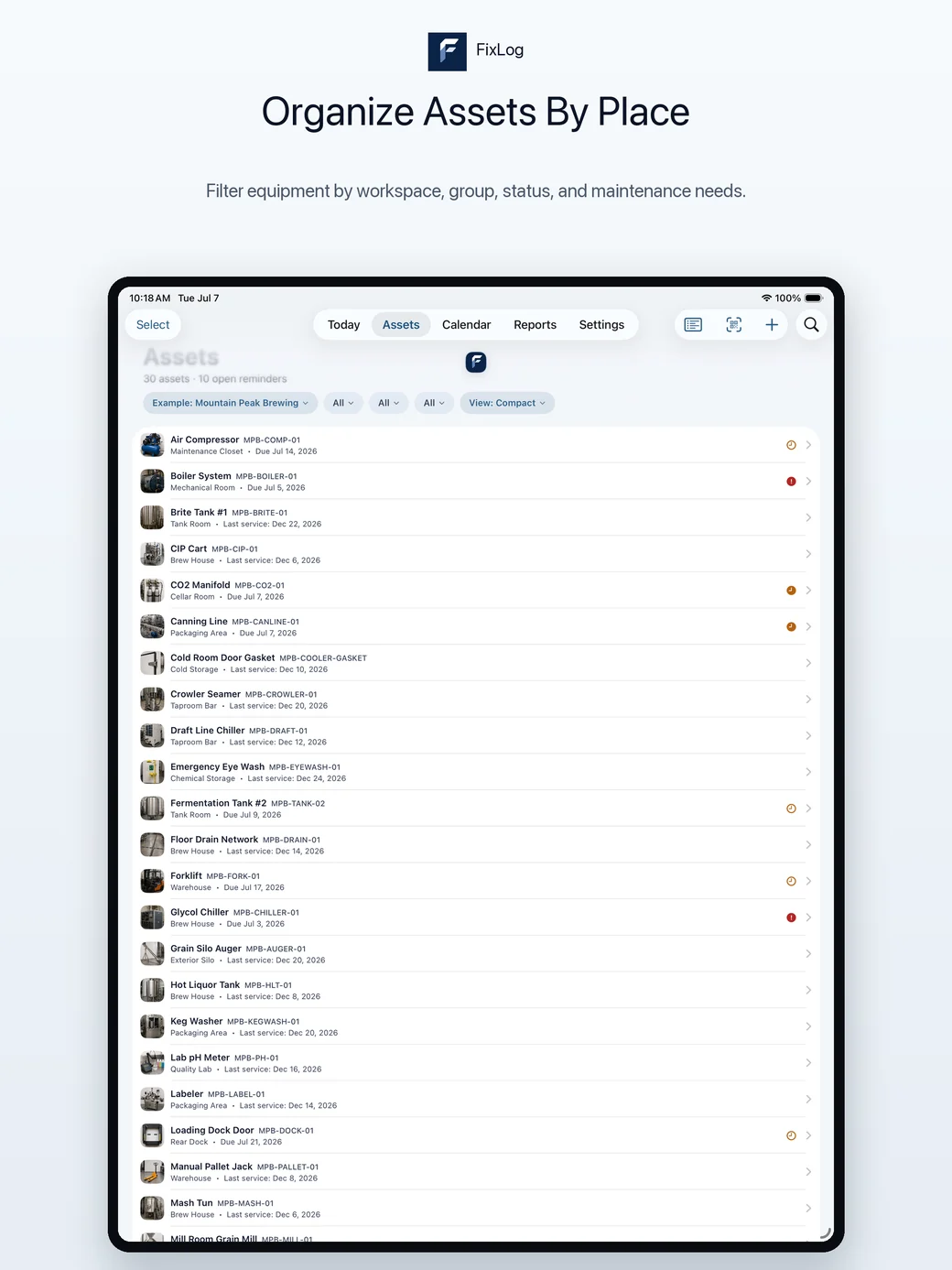
Organize assets by place.
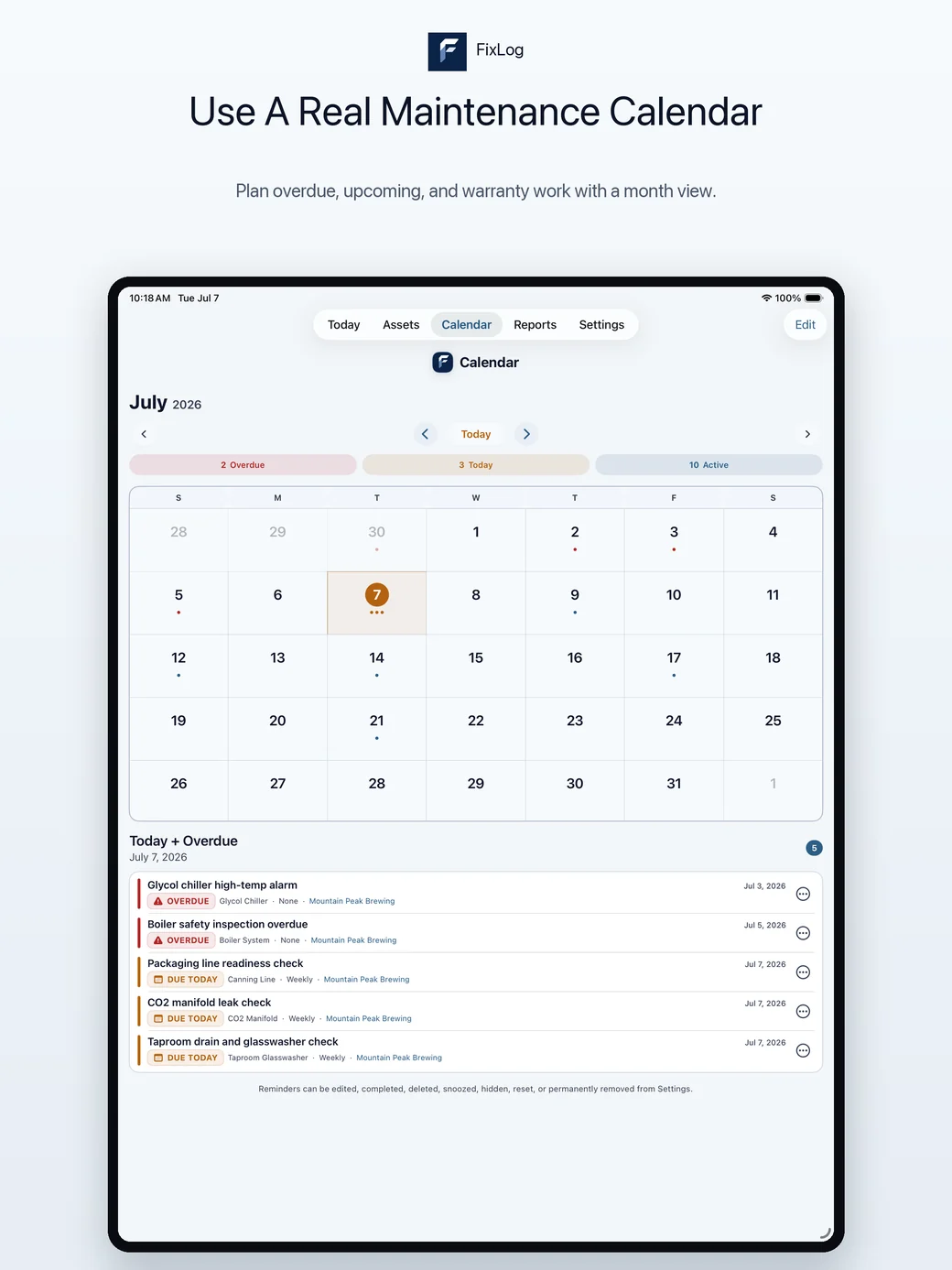
Use a real maintenance calendar.
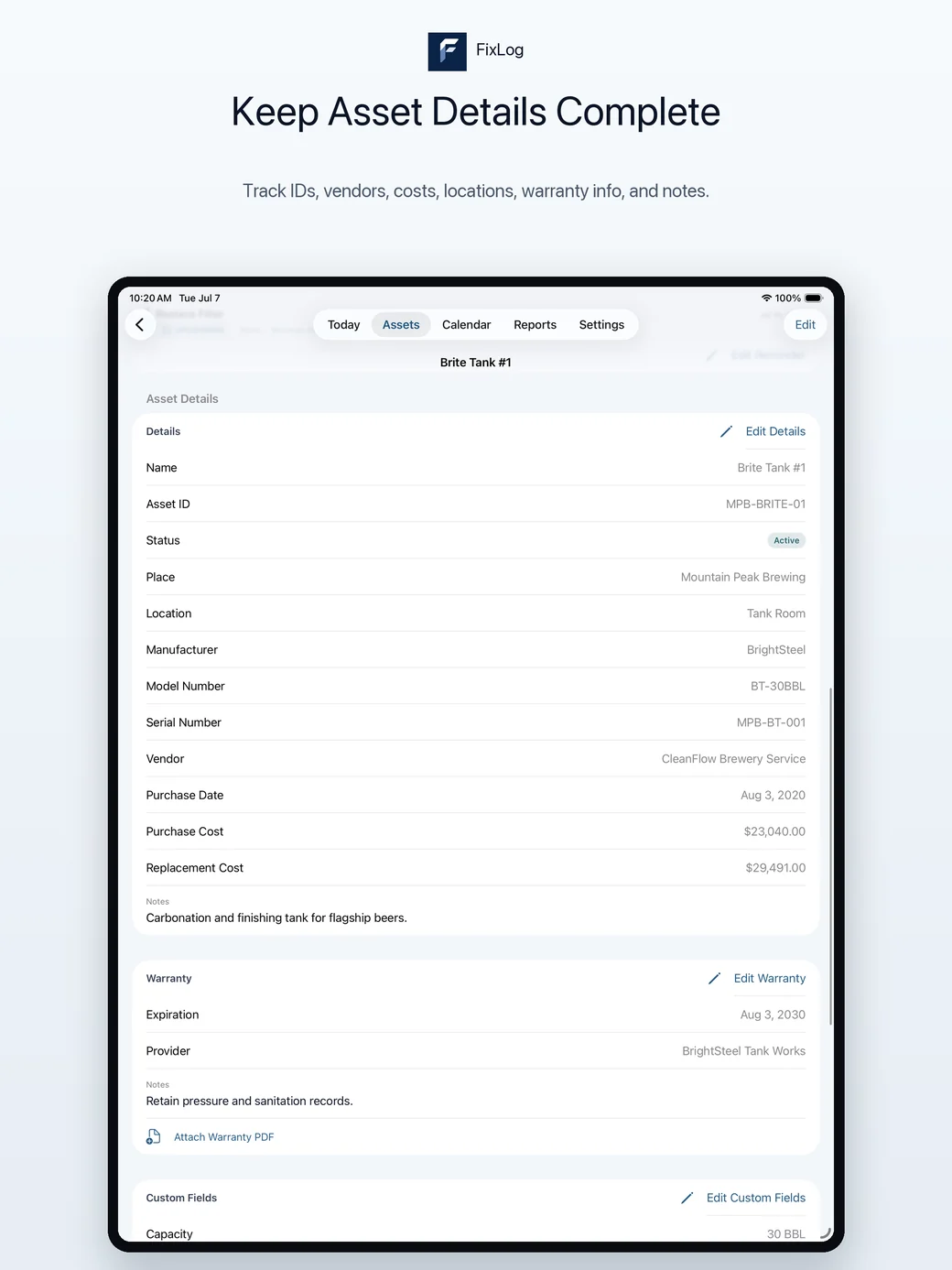
Keep asset details complete.
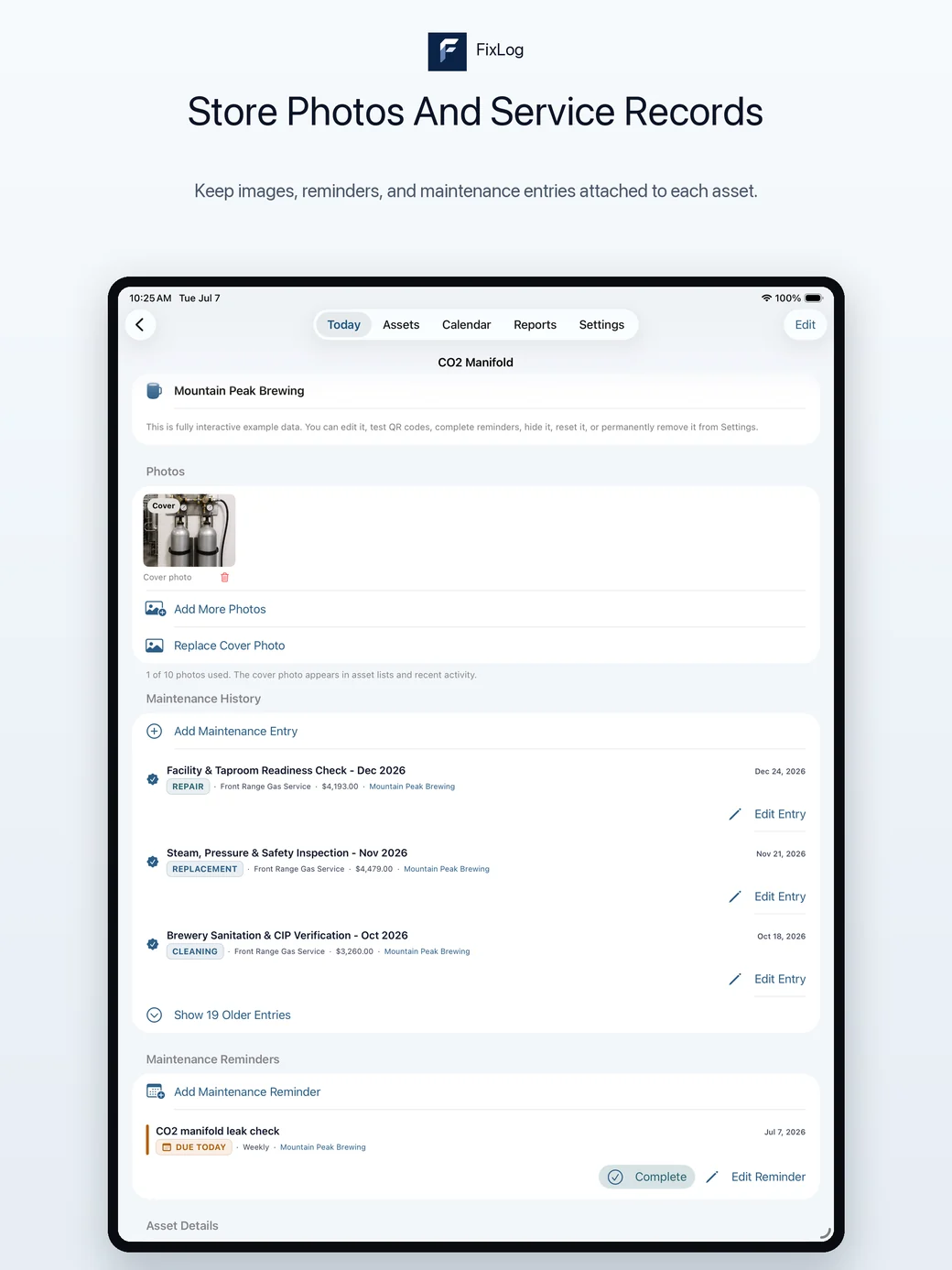
Store photos and service records together.
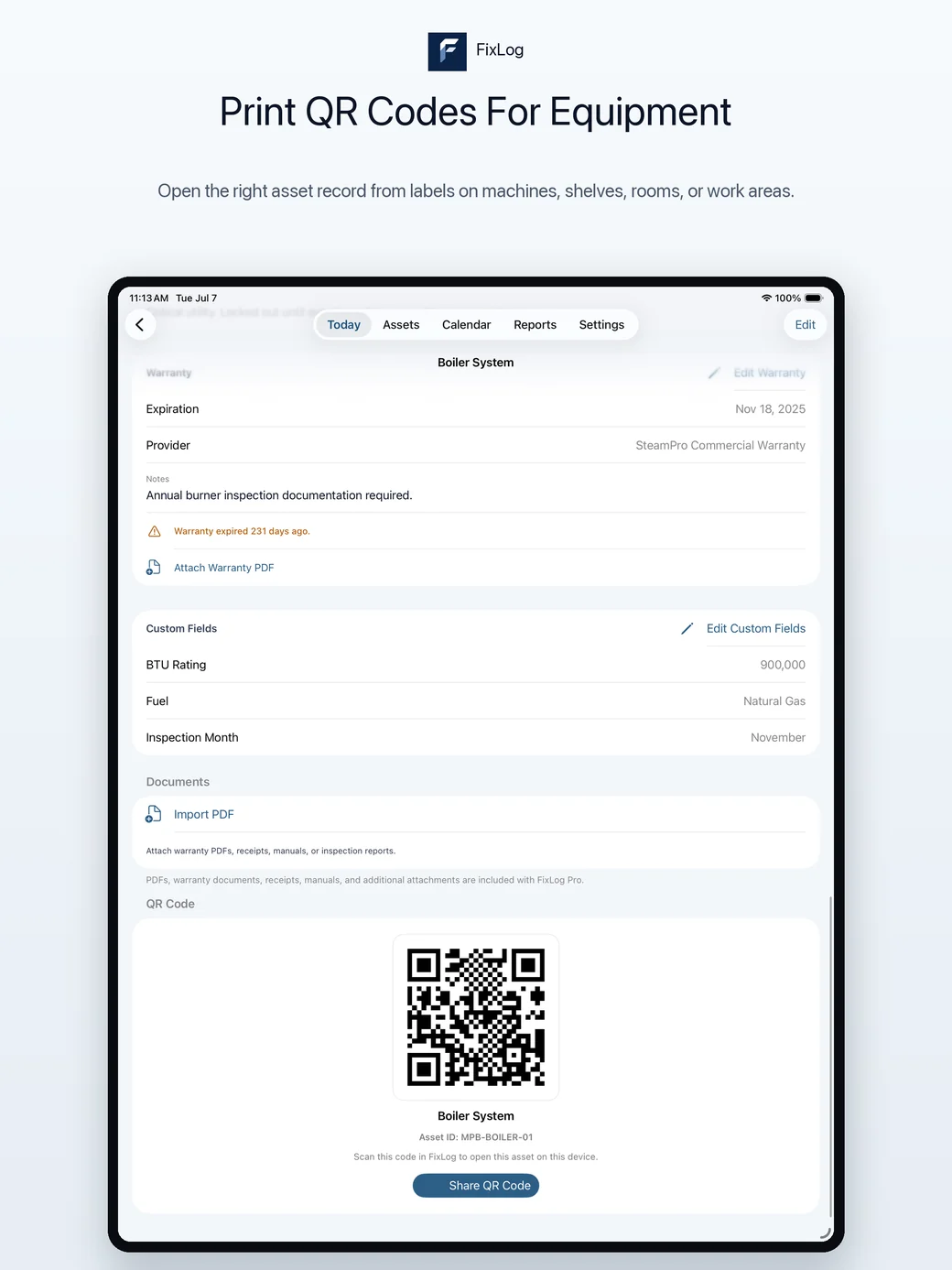
Print QR codes for equipment.
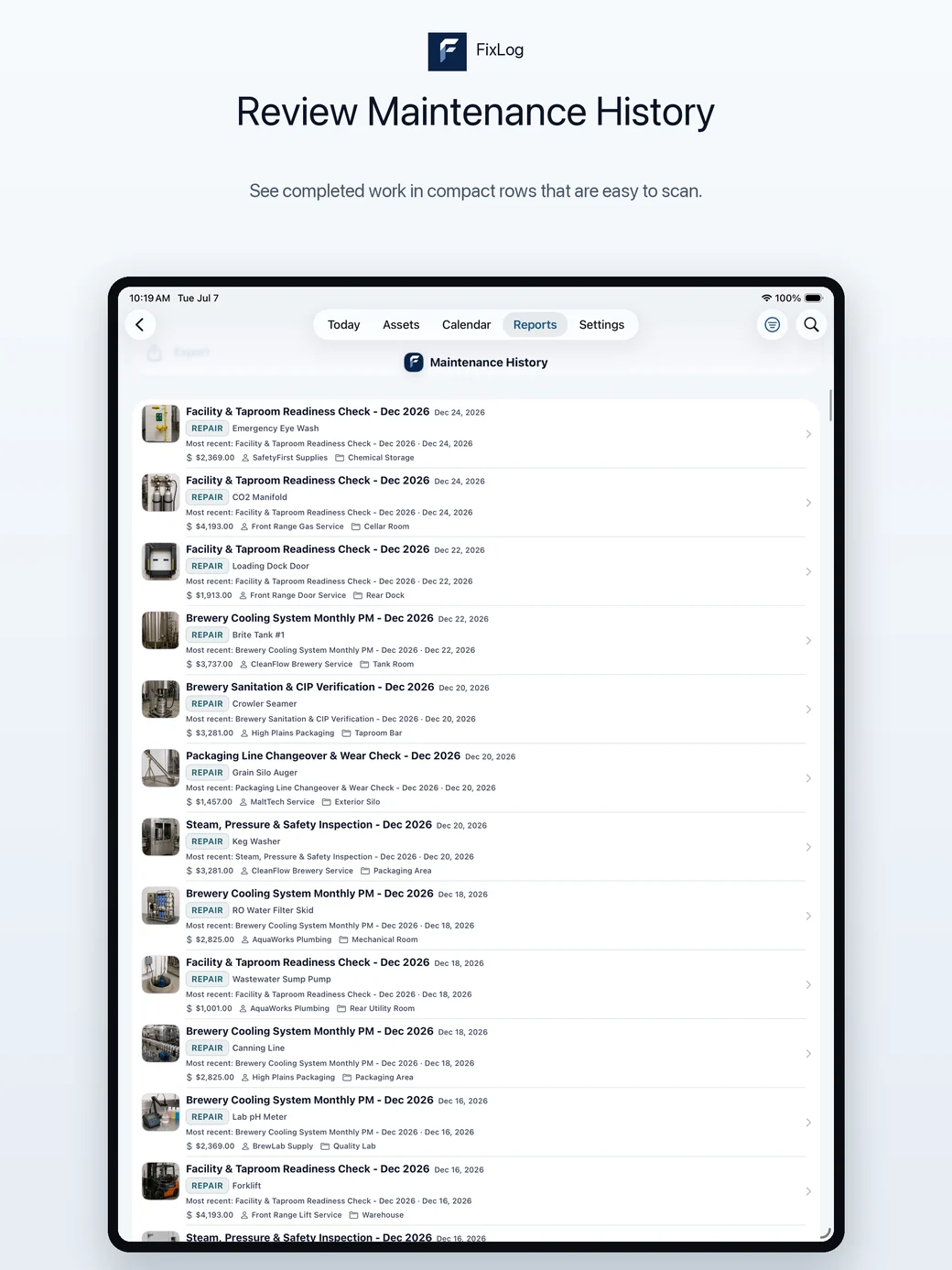
Review maintenance history.
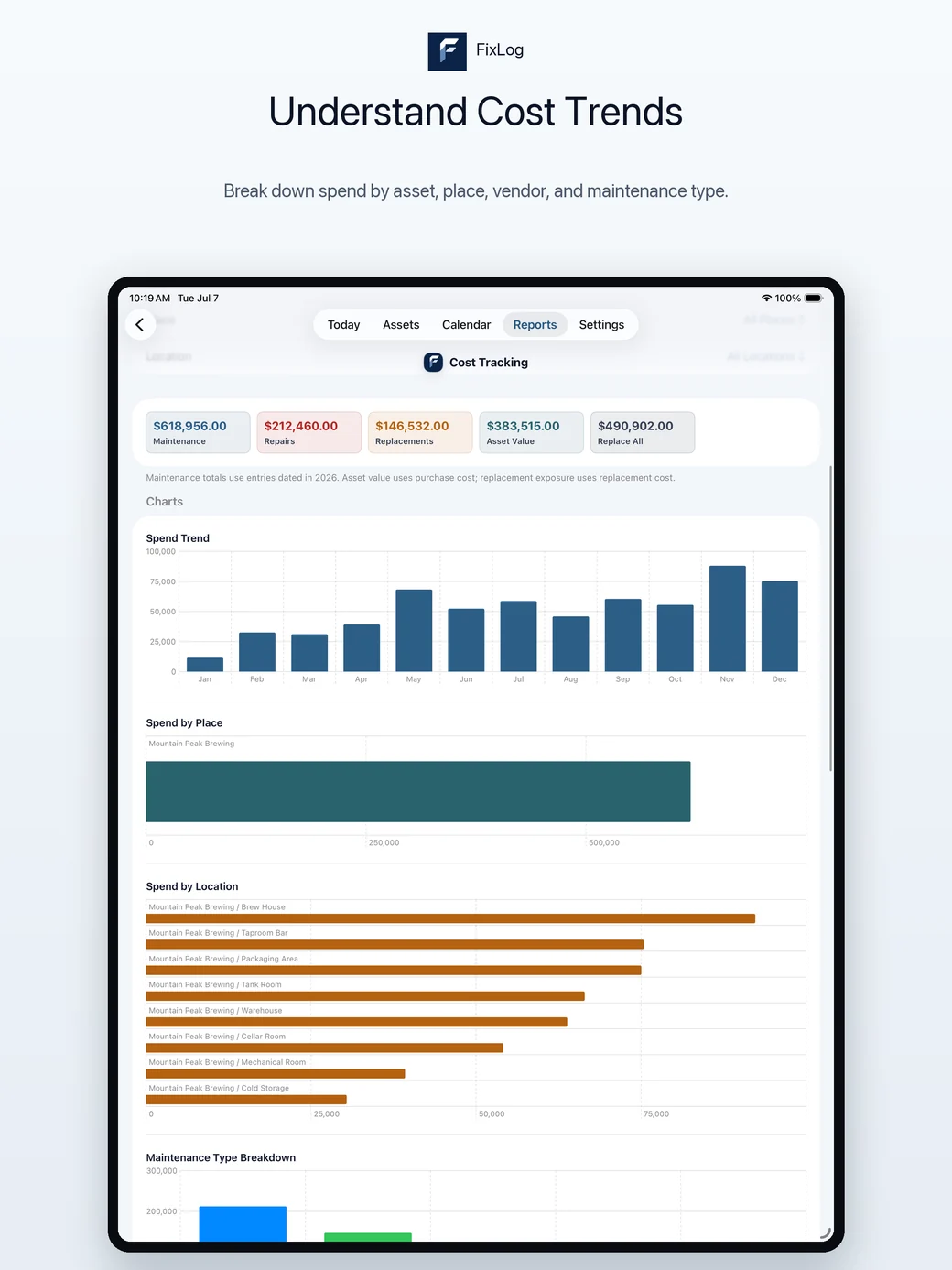
Understand cost trends.
Watch warranty deadlines.
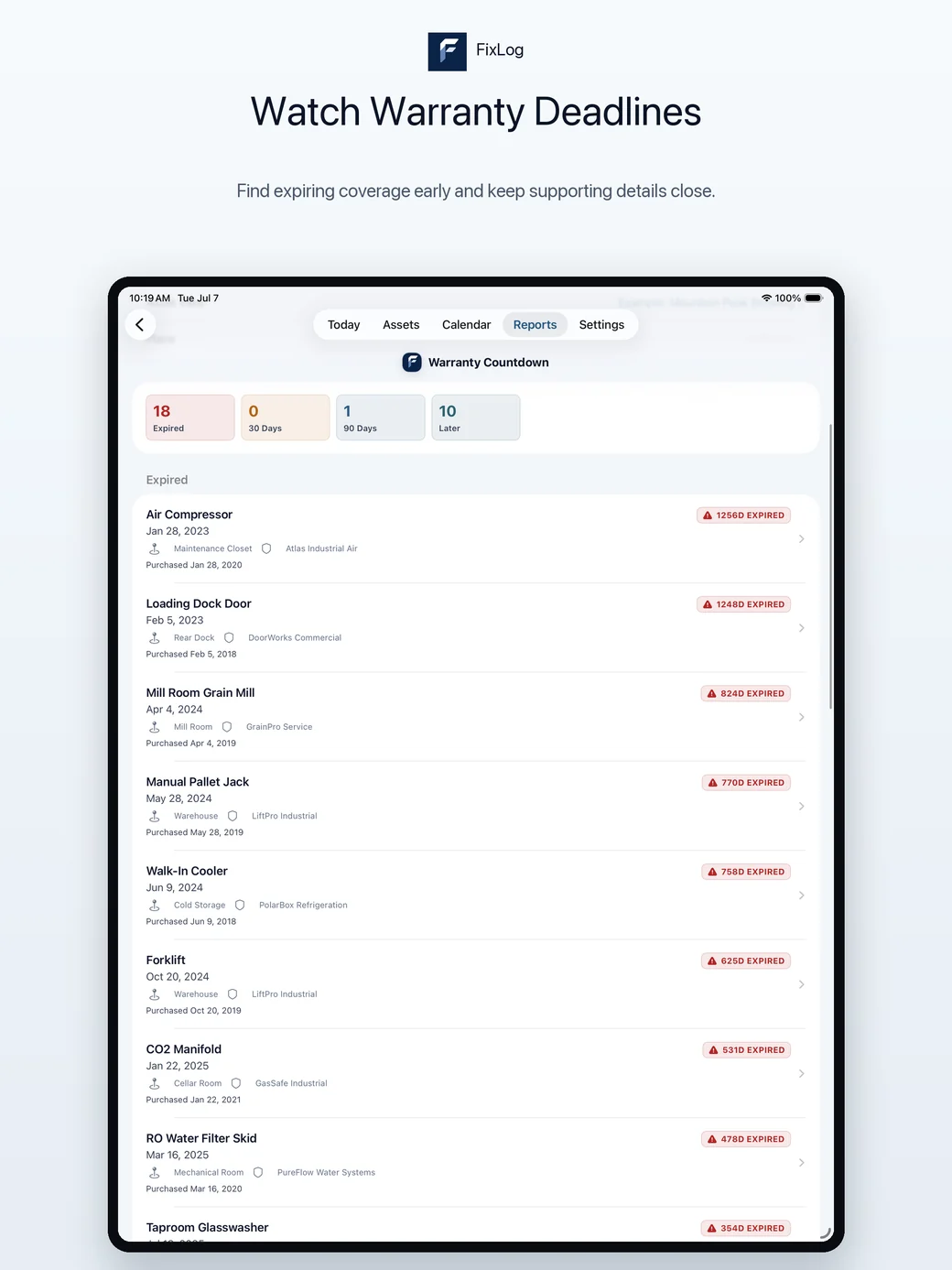
Mac
Use the Mac layout when you want a wider view for asset lists, calendars, reports, QR labels, setup, exports, and larger maintenance reviews.
Run maintenance from one Mac dashboard.
Scan every asset at a glance.
Plan work on a calendar.
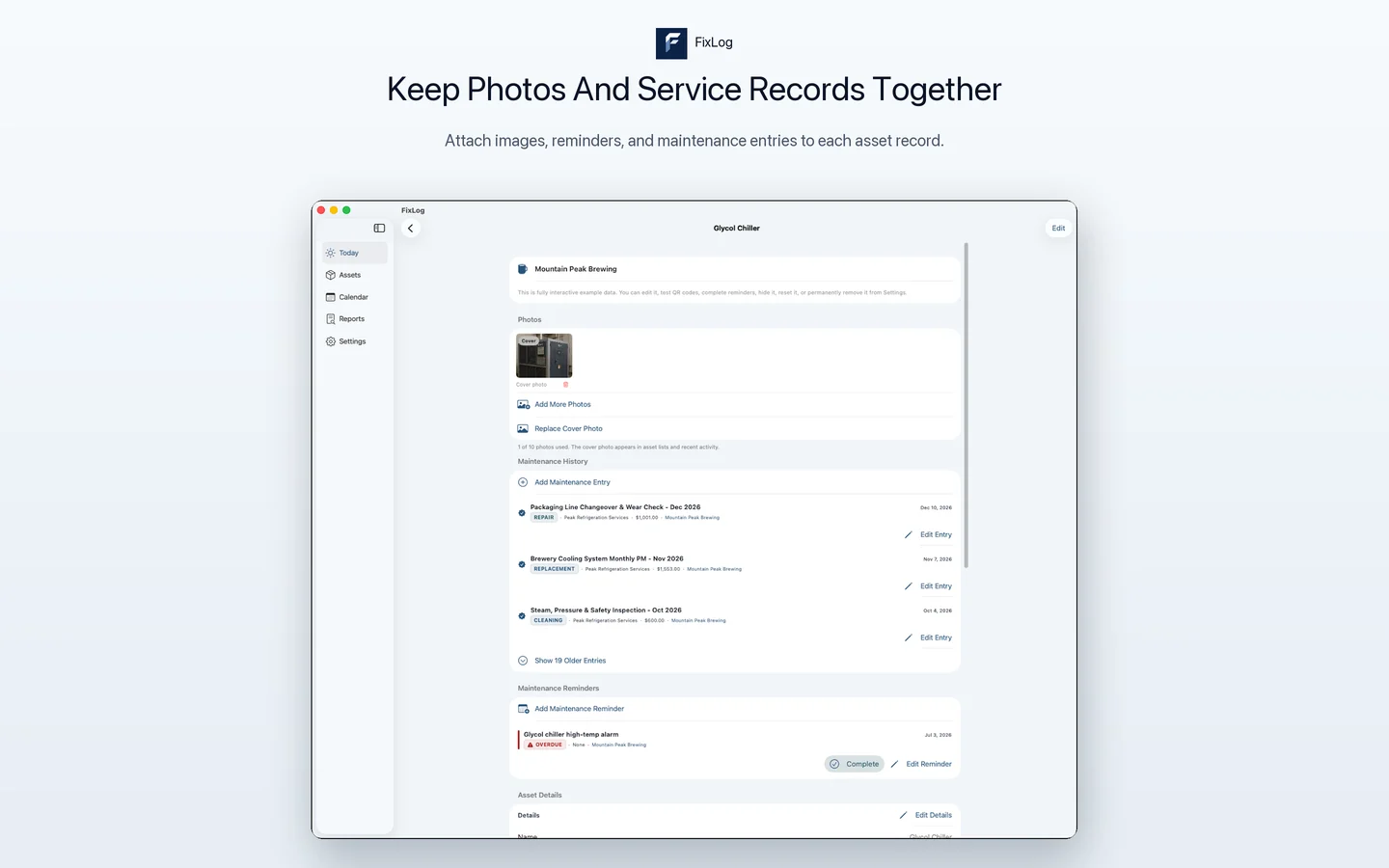
Keep photos and service records together.
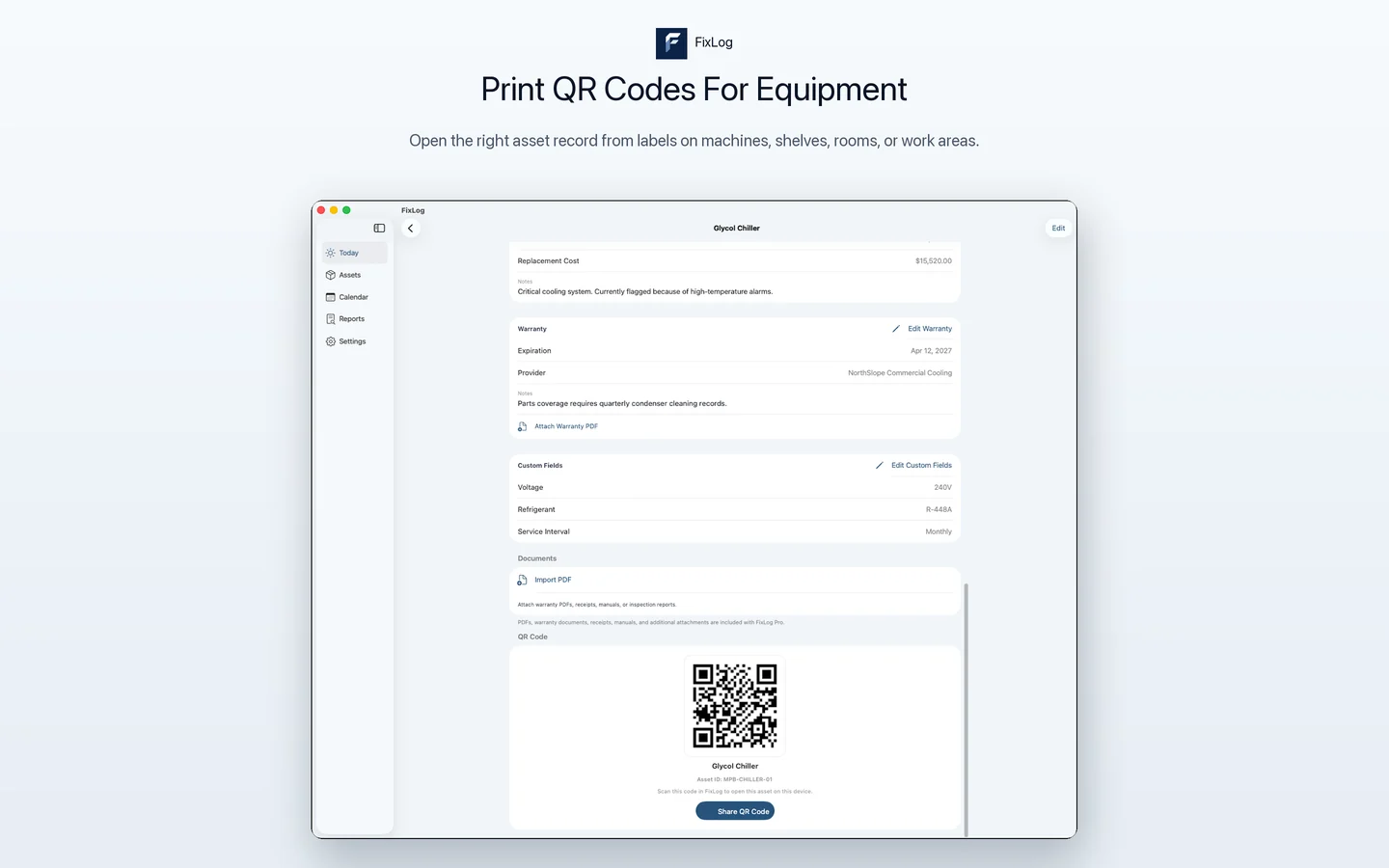
Print QR codes for equipment.
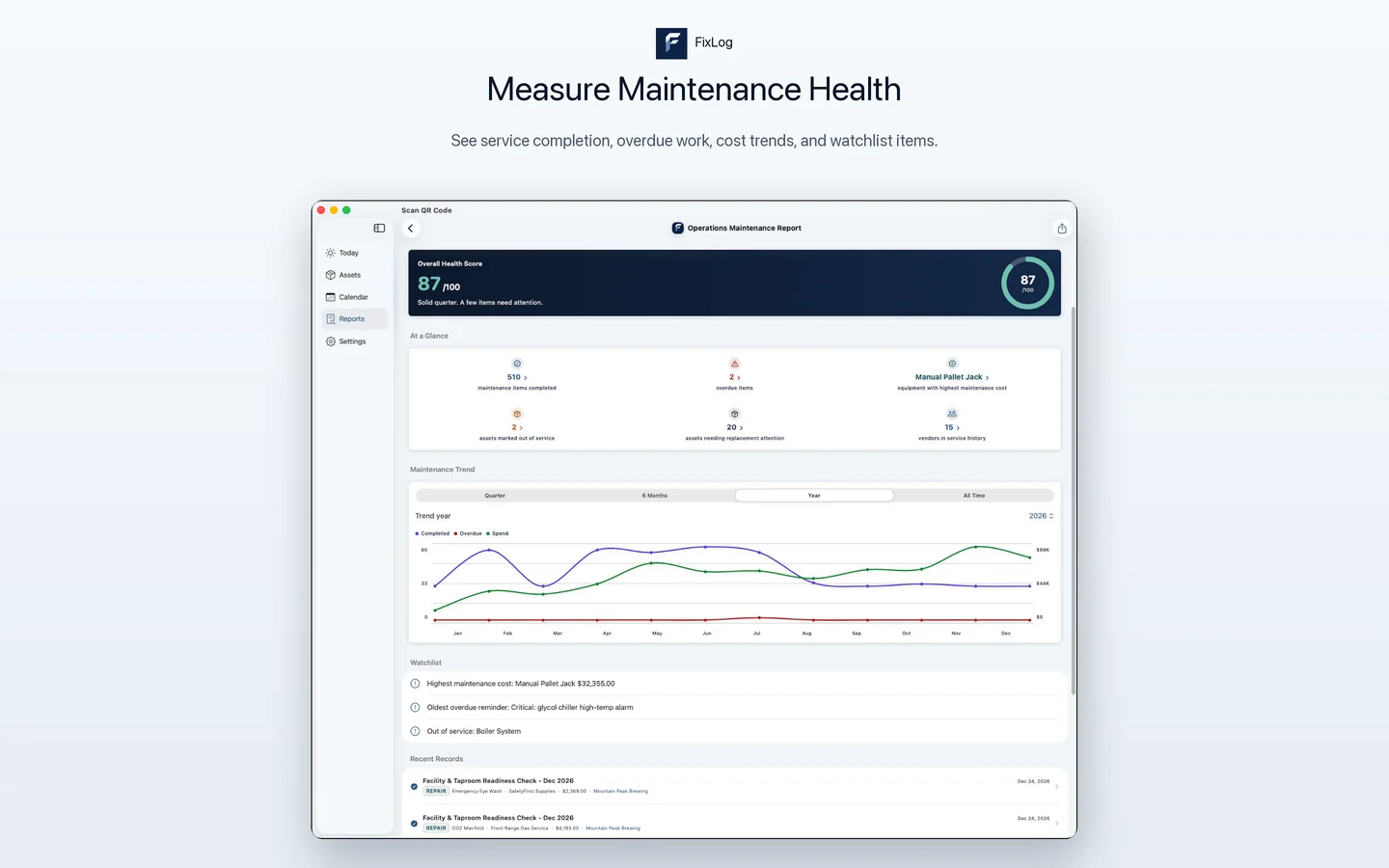
Measure maintenance health.
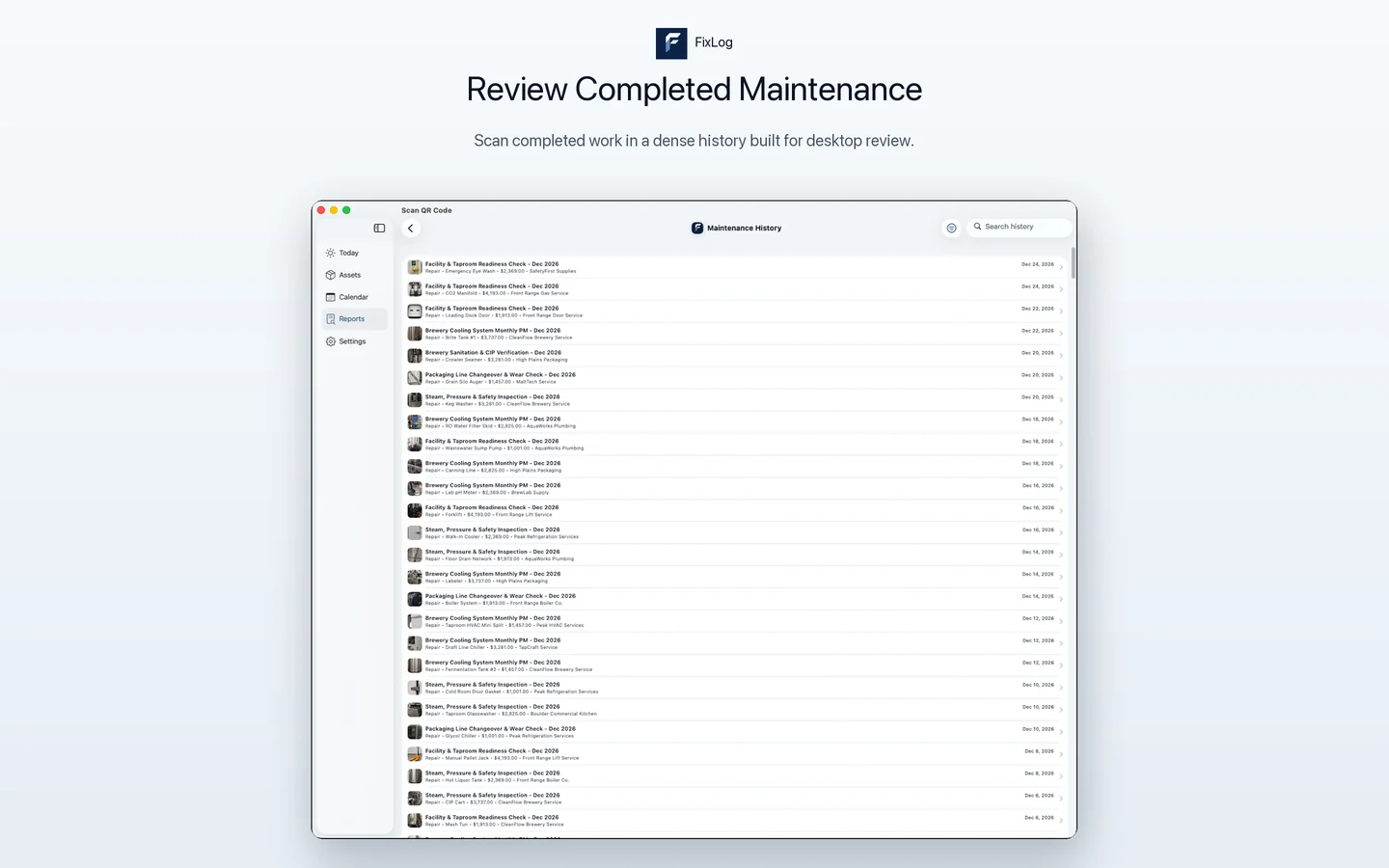
Review completed maintenance.
Understand costs over time.
Watch warranty deadlines.
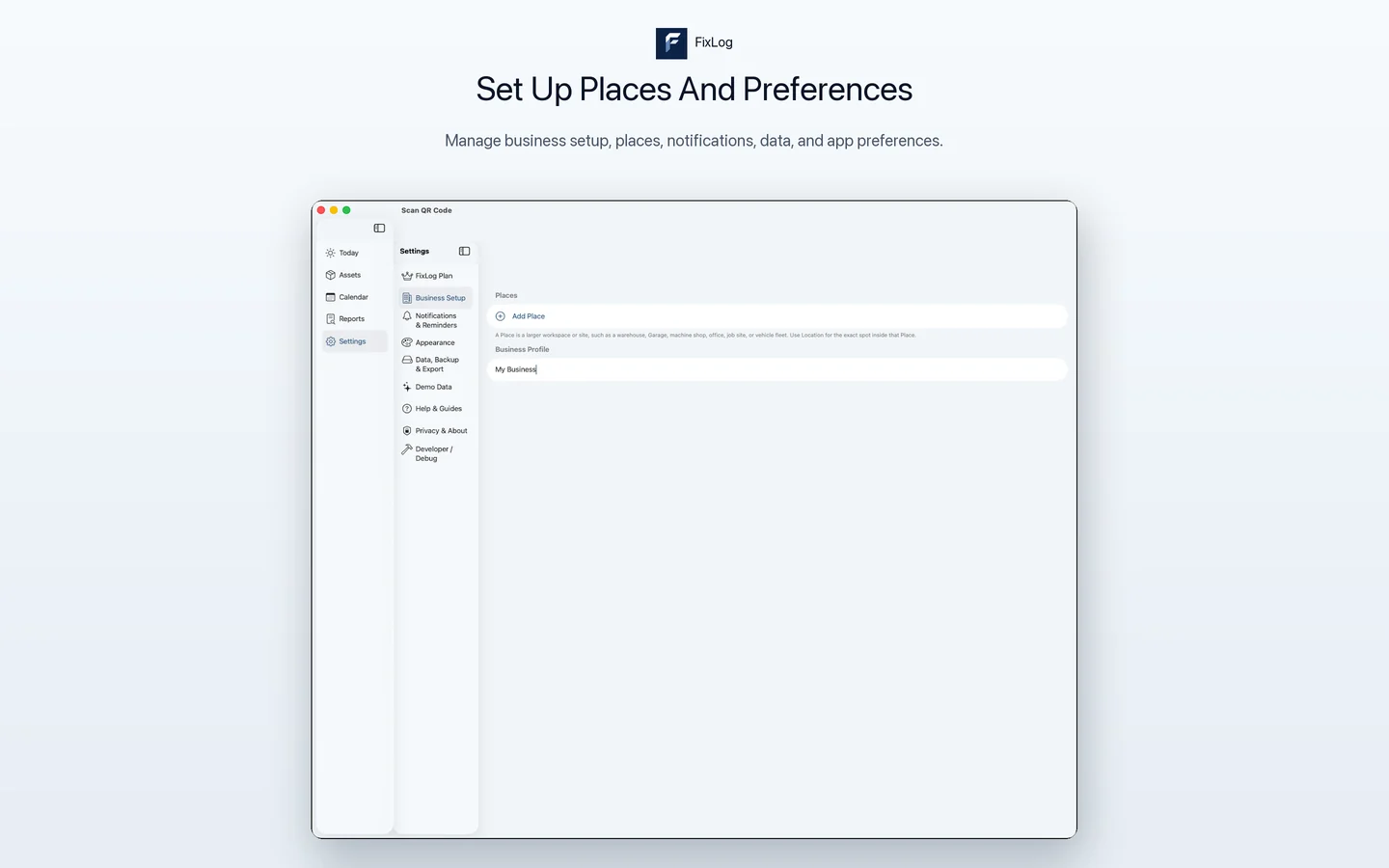
Set up places and preferences.
Try the workflow
Use the screenshots as a preview, then try the app with populated business examples on iPhone, iPad, and Mac.